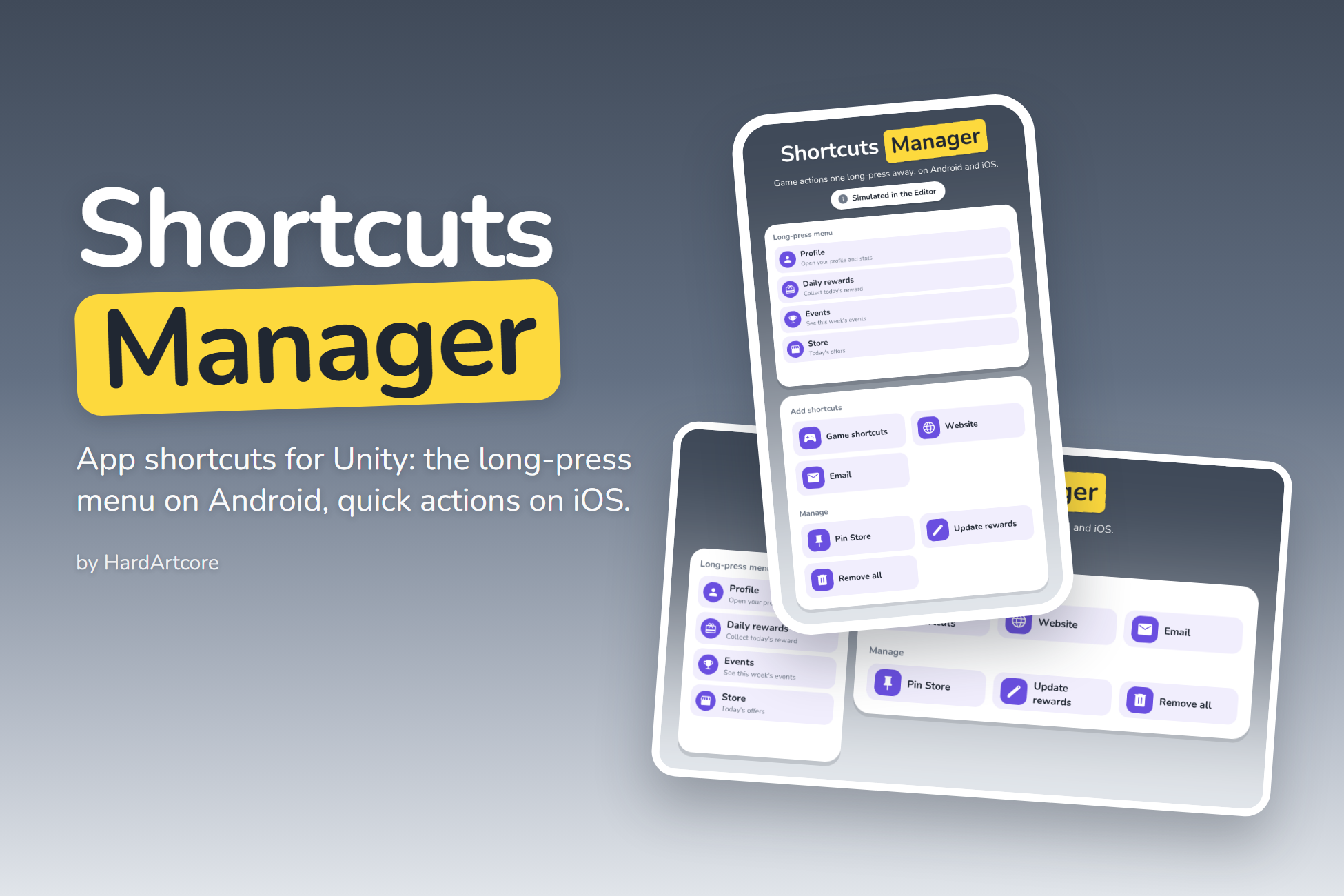
Game actions one long-press away.
Shortcuts Manager adds app shortcuts to your Unity game: the menu the player gets by long-pressing your app icon. Each shortcut opens your game, and the ShortcutLaunched event tells your code which one was tapped, so you can open the store, the daily reward or the latest event straight away.
On Android a shortcut can also open a web page, write an email or run any Intent you build, and the player can pin shortcuts to the home screen. Setup is zero, and in the Editor the shortcuts are simulated.
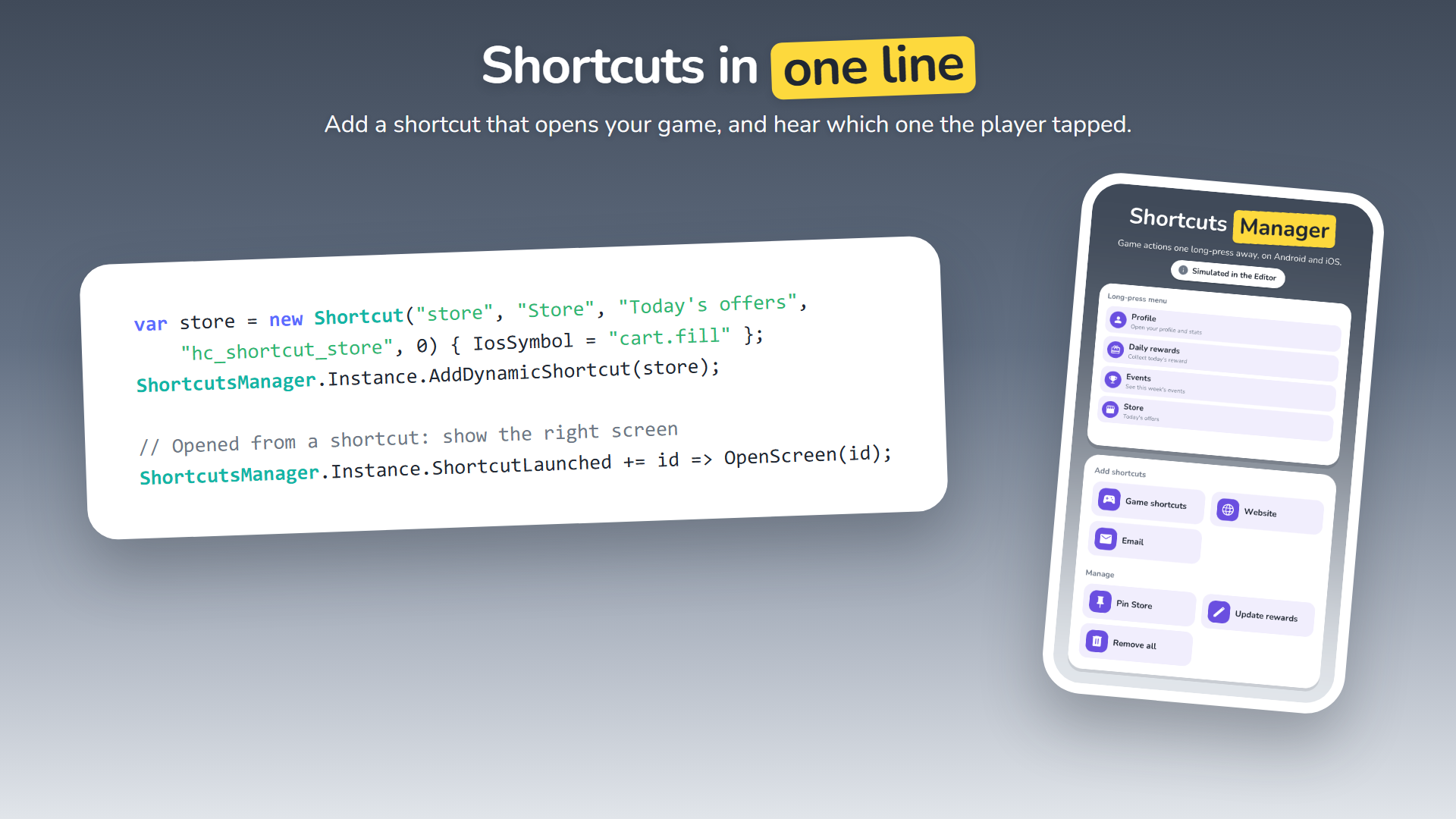
Shortcuts in one line
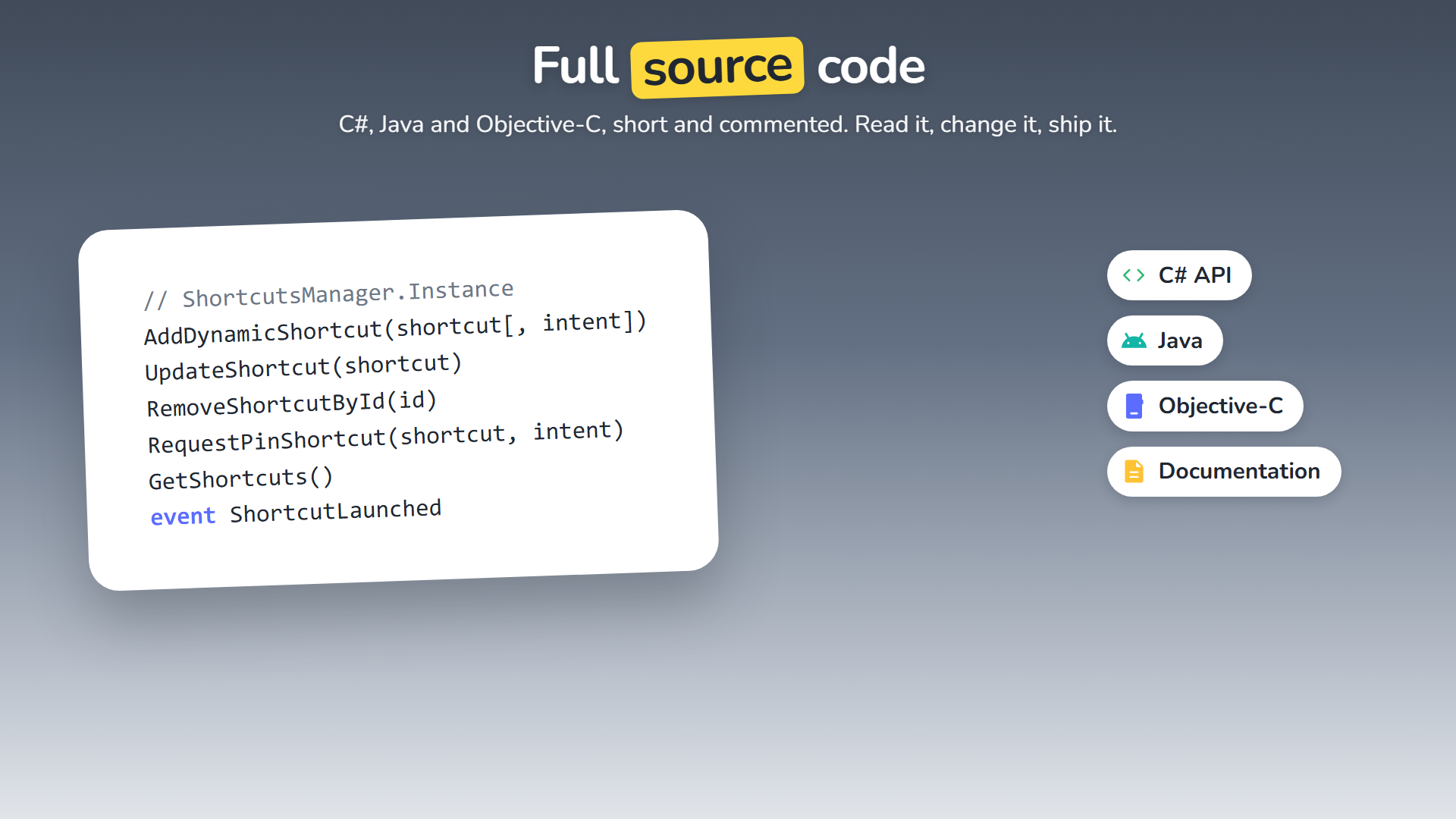
Add a shortcut, then listen for the one that opened the game.
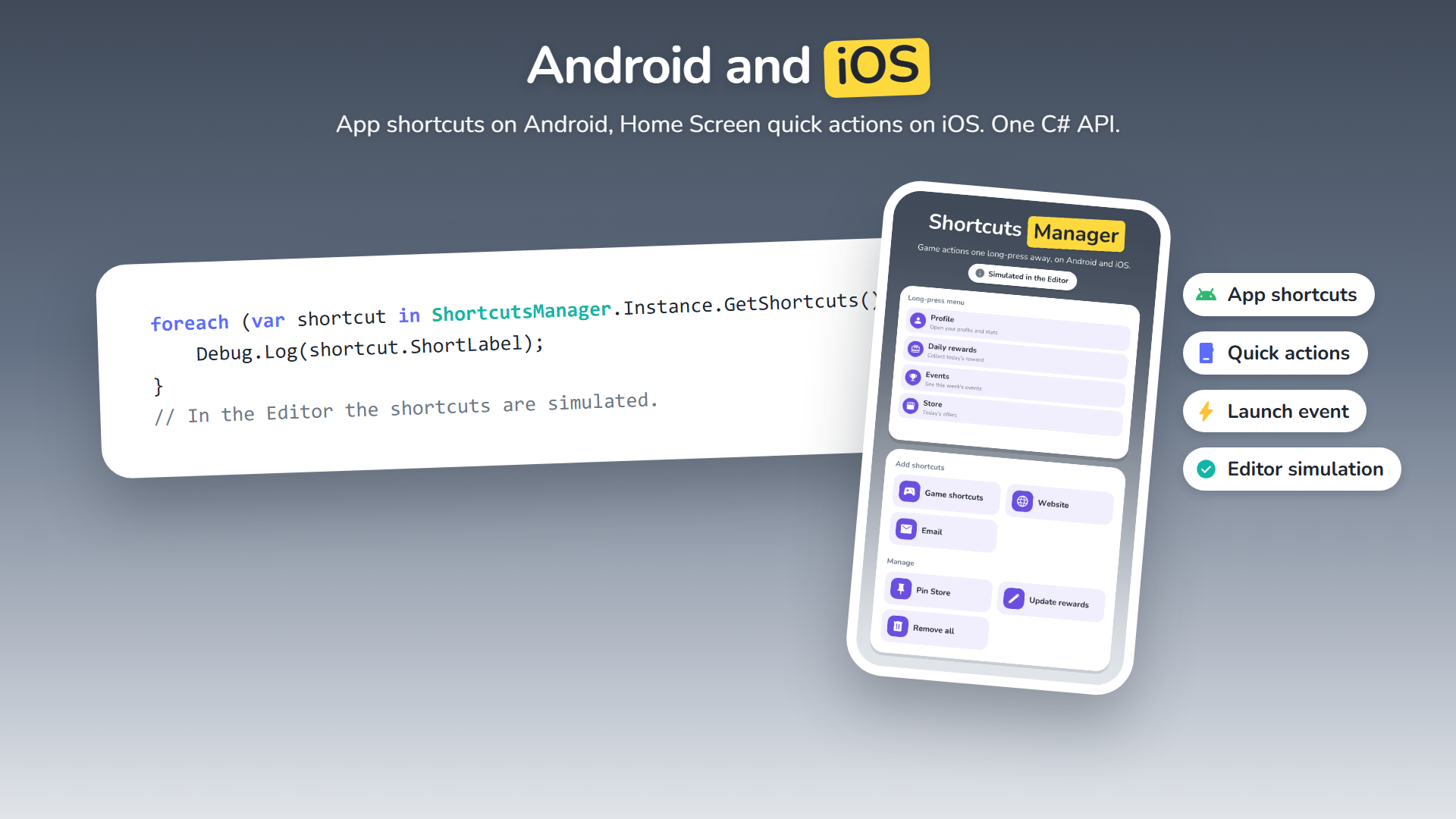
Android and iOS
App shortcuts on Android, Home Screen quick actions on iOS, one C# API.
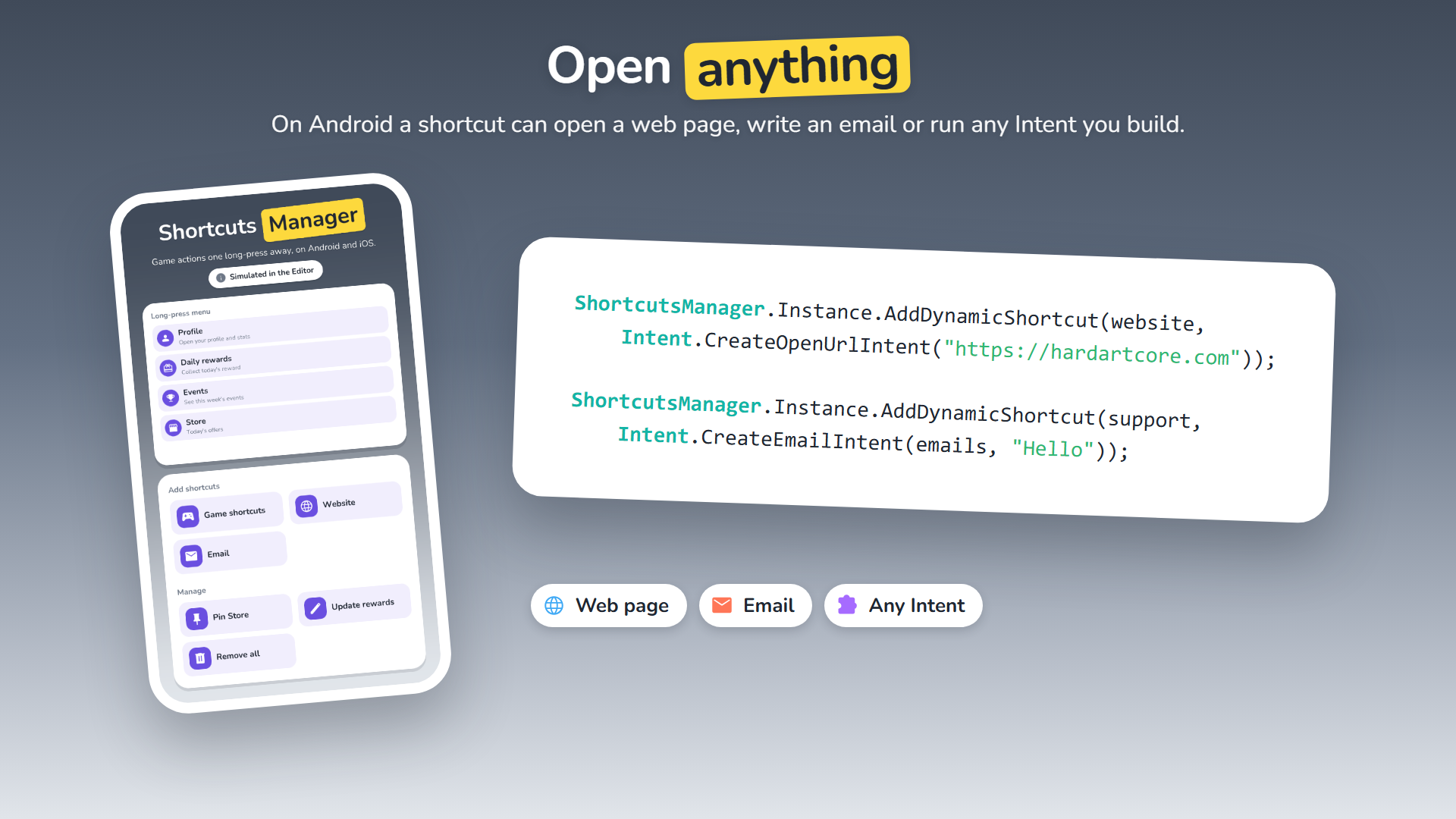
Open anything
Android shortcuts can open a web page, write an email or run any Intent.
Works in the Editor
Shortcuts are simulated in the Editor, so menus and the demo work without a device.
Description
SHORTCUTS
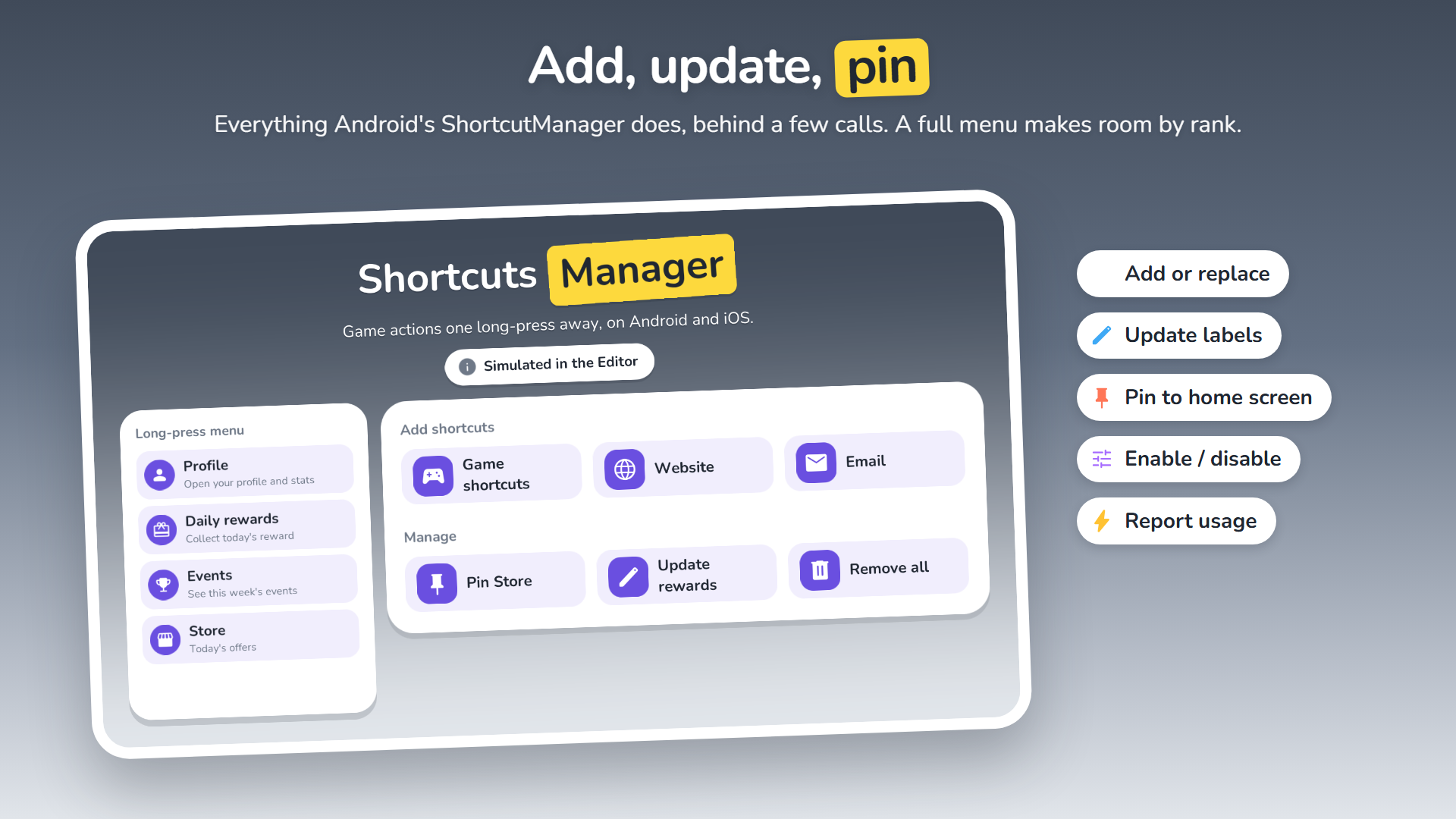
- Add, replace, update and remove dynamic shortcuts by id
- Labels, rank and icons: drawable resources or PNG files on Android, SF Symbols on iOS
- A full menu makes room by rank instead of failing
- ShortcutLaunched event and LaunchShortcutId: which shortcut opened or resumed the game
- Android: pin shortcuts to the home screen, enable / disable them, report usage to the launcher
- Android: shortcuts that run your own Intent (web page, email, the game with extras)
PLATFORMS
- Android: app shortcuts through androidx ShortcutManagerCompat; opens UnityPlayerActivity or UnityPlayerGameActivity
- iOS: Home Screen quick actions (up to 4)
- Editor and other platforms: shortcuts simulated in memory
ZERO SETUP
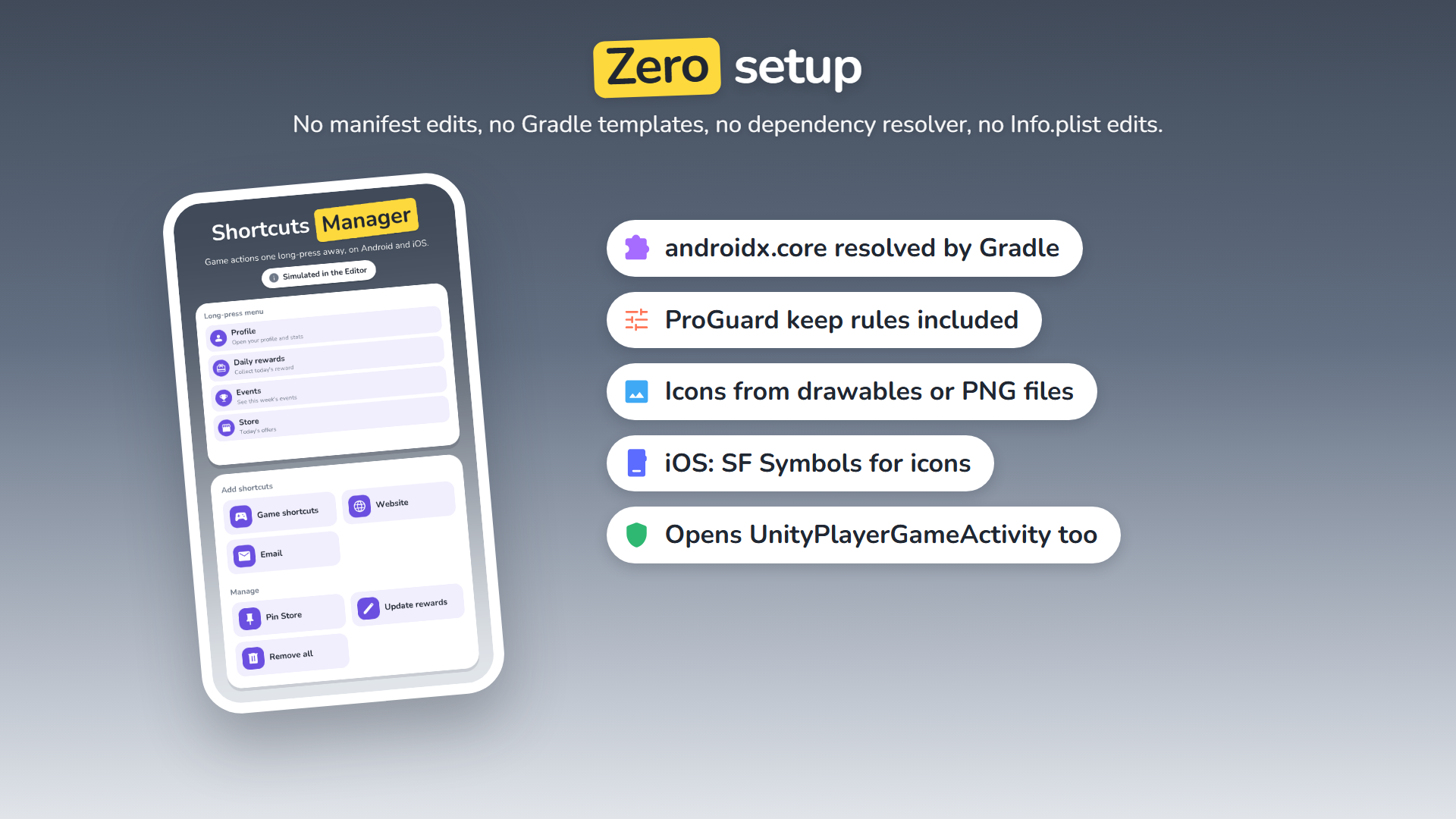
- One Android library folder: Java source, its androidx.core dependency resolved by Gradle, ProGuard keep rules
- No manifest edits, no Gradle templates, no External Dependency Manager
- No Info.plist edits on iOS
DEMO
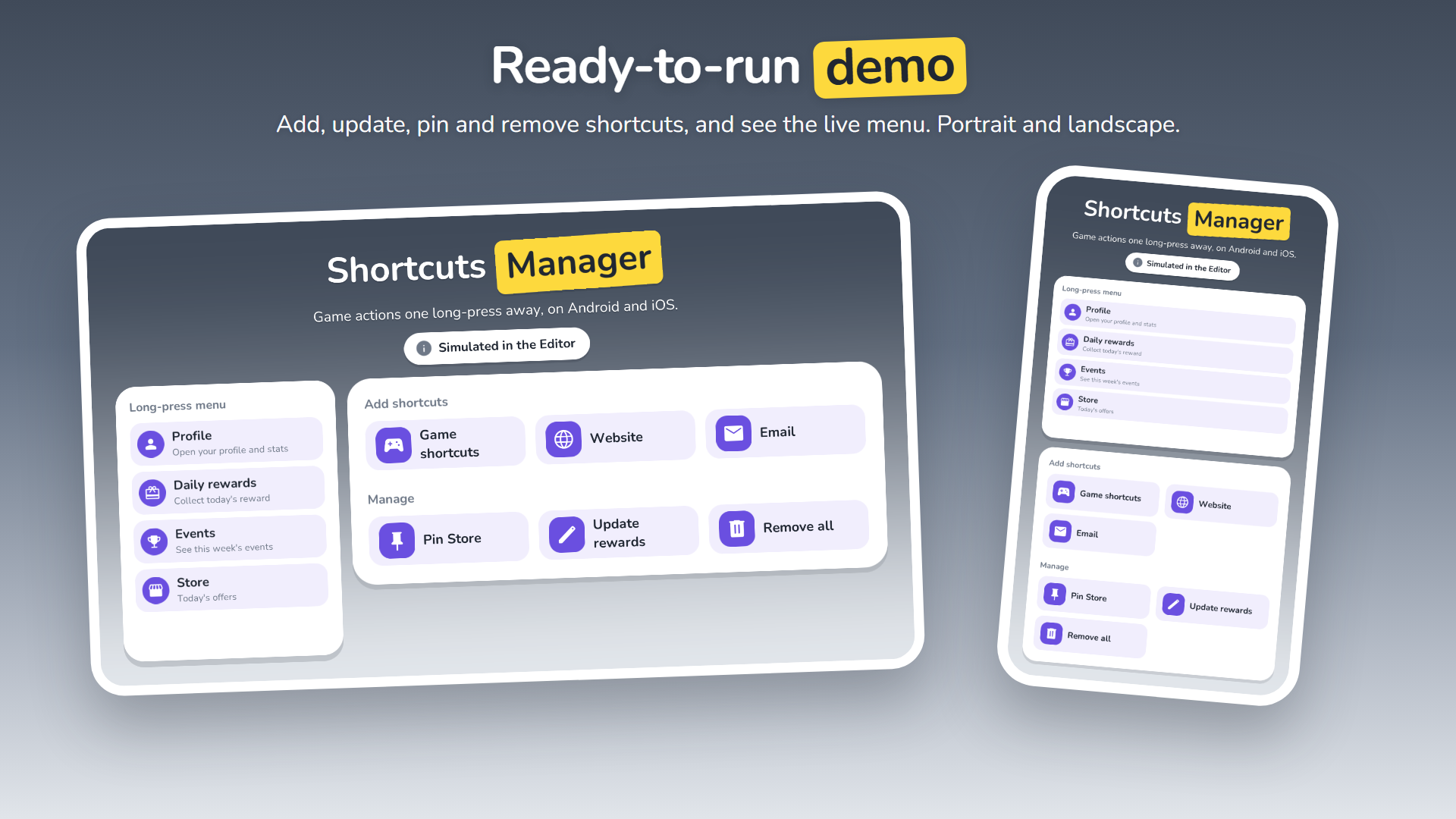
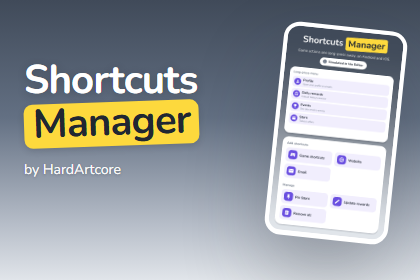
- One scene: add game, website and email shortcuts, pin, update and remove them, and see the live long-press menu
- Portrait and landscape; example icon library included
REQUIREMENTS
- Unity 6 (6000.0) or newer, with Android and/or iOS build support
- Android 7.1+ for app shortcuts; iOS 13+ for SF Symbol icons
THIRD-PARTY
Includes the Nunito font (SIL Open Font License 1.1) and Material Symbols icons (Apache License 2.0) in the demo. See the documentation.
If you have any questions, requests or something isn’t working, please send me an email at: support@hardartcore.com
Release notes
- v2.0
- iOS support: Home Screen quick actions with SF Symbol icons.
- ShortcutLaunched event: which shortcut opened the game, on Android and iOS.
- Shortcuts without an Intent open the game; icons from PNG files; a full menu makes room by rank.
- Shortcuts simulated in the Editor; ShortcutsManager.Instance creates itself.
- Zero setup on Android: no AARs, no Gradle templates, no External Dependency Manager. Unity 6 or newer.
- v1.1
- Small improvements in code & documentation.
- Update namespace in all scripts to match the one in other packages.
- v1.0
- First initial release.