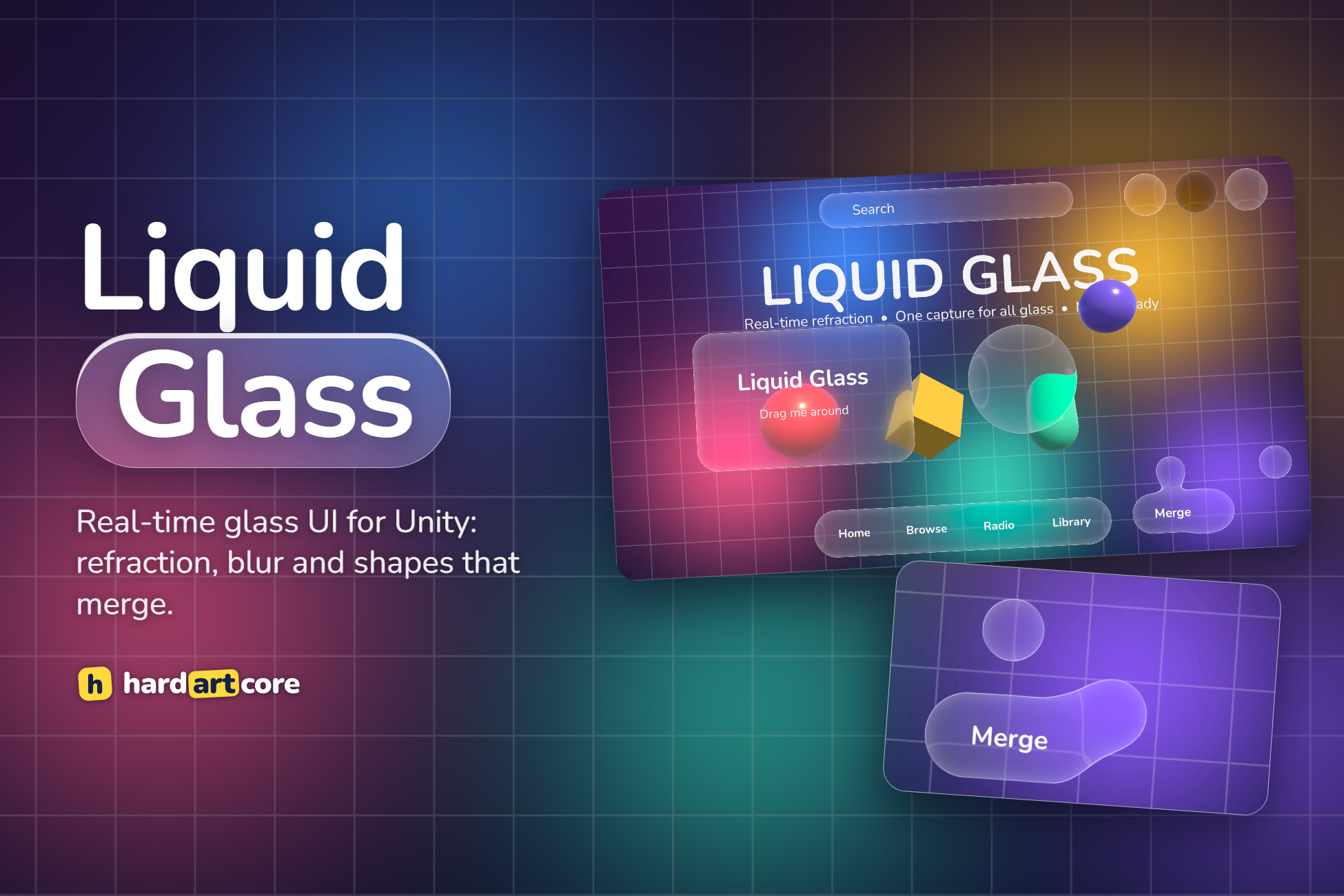
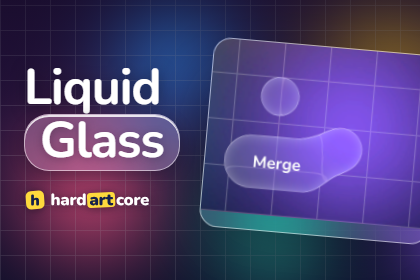
Real-time liquid glass for Unity UI and 3D.
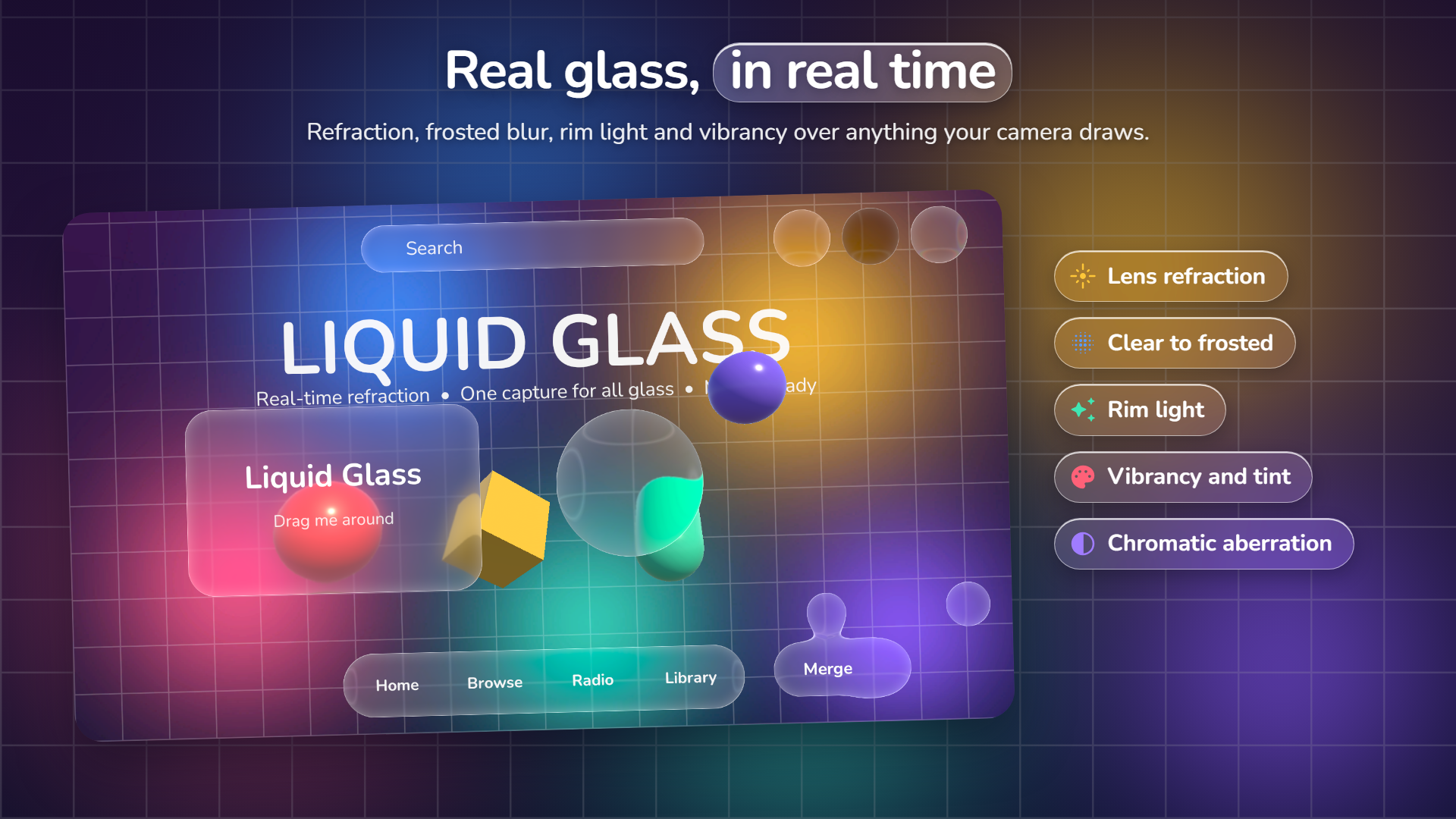
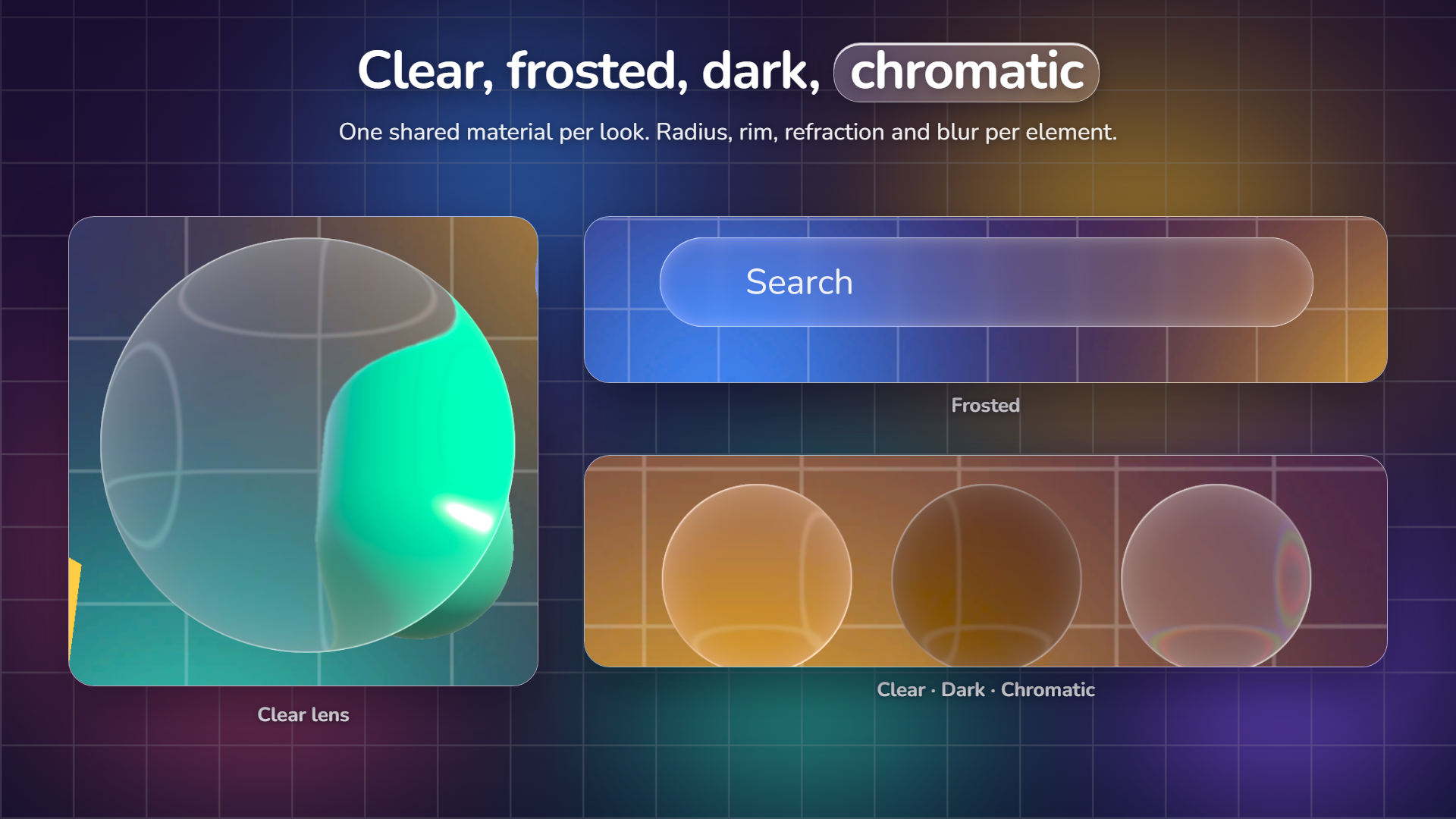
Liquid Glass turns any uGUI Image, quad, mesh or sprite into a piece of curved glass. The background bends at the rim like a real lens, blurs from clear to frosted, picks up a bright specular rim, and glass shapes melt into each other when they get close, like iOS Liquid Glass. Everything is live: move the camera, animate what is behind, drag the glass.
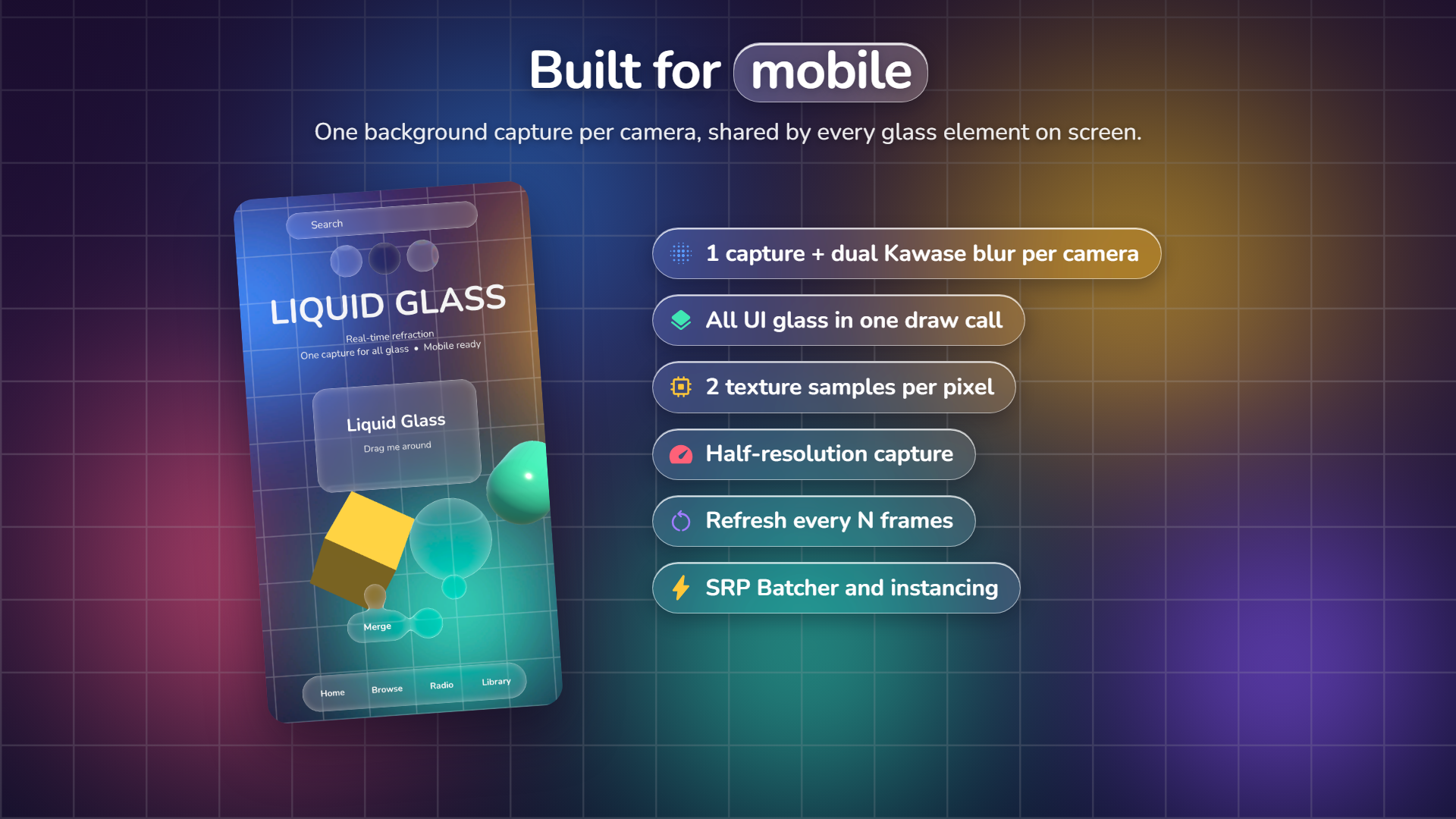
It is built for mobile first: the camera image is captured once per frame at reduced resolution, and every glass element on screen reads that one shared capture. All UI glass batches into a single draw call.
Real lens refraction
The background bends at a curved rim, from clear glass to fully frosted, per element.
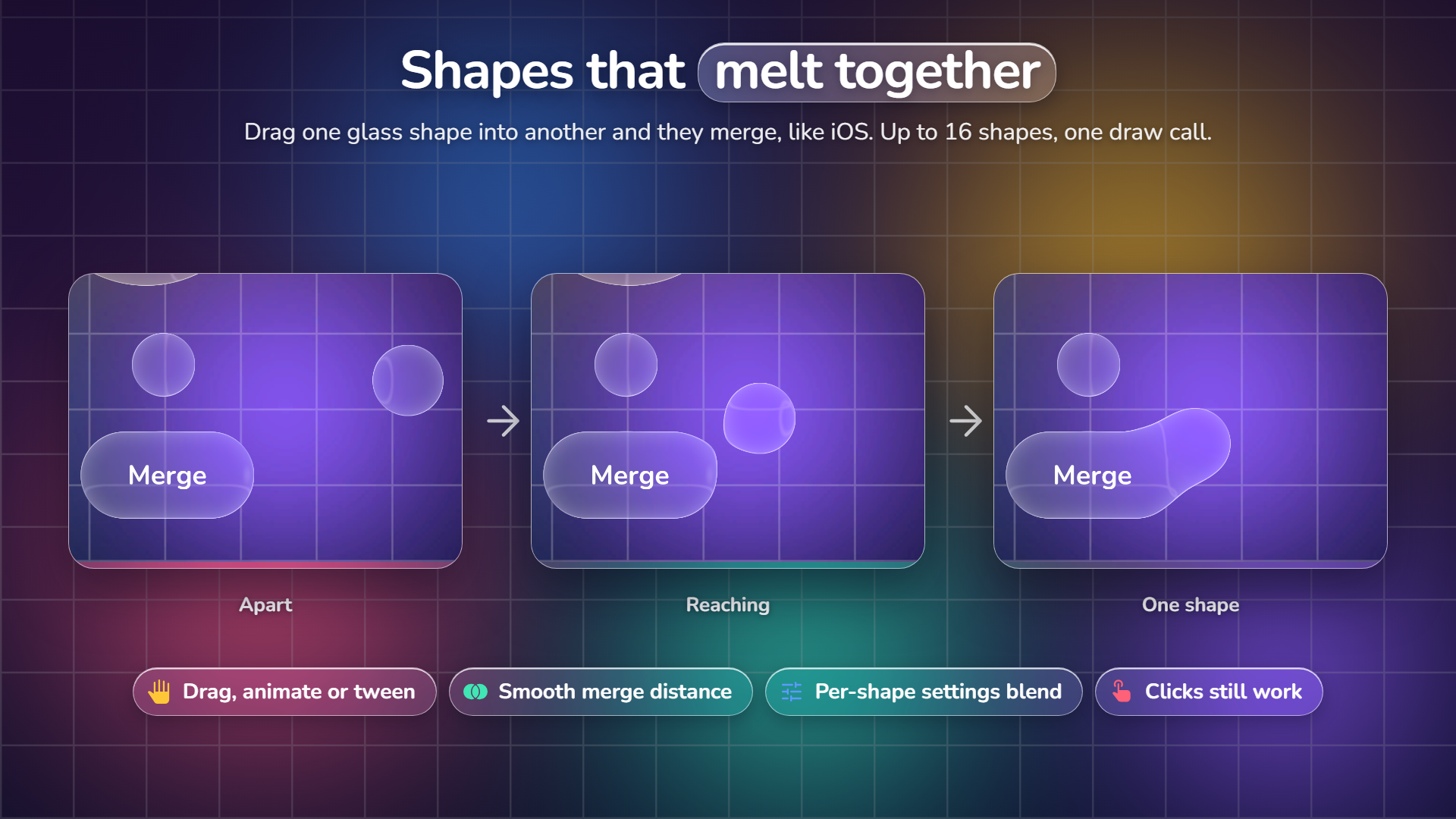
Shapes that merge
Drag one glass shape into another and they melt together. One draw call per group.
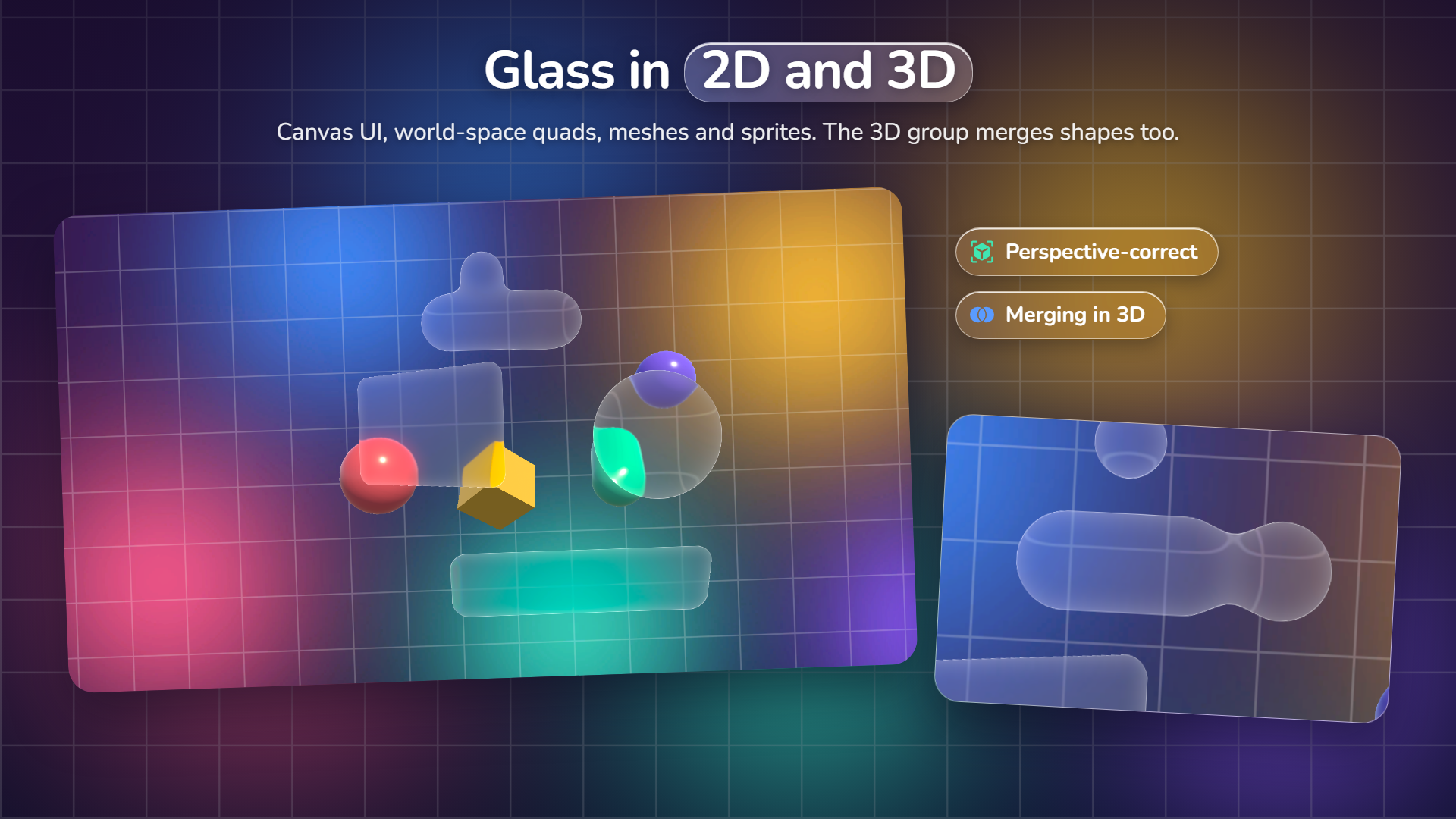
UI and 3D
Canvas UI, world-space quads, meshes and sprites, with a 3D merging group.
Built for mobile
One half-resolution capture per camera and 2 texture samples per glass pixel.
Description
THE GLASS
- Lens refraction from an analytic rounded-rectangle shape: rectangles, pills and circles, crisp and anti-aliased at any scale
- Clear to frosted: blend between a sharp and a blurred background per element
- Specular rim light that favours a light direction, edge glow, saturation, brightness and tint
- Optional chromatic aberration at the rim (a shader keyword: it costs nothing when off)
- Works under any rotation, scale, Canvas Scaler or perspective camera
SHAPES THAT MERGE
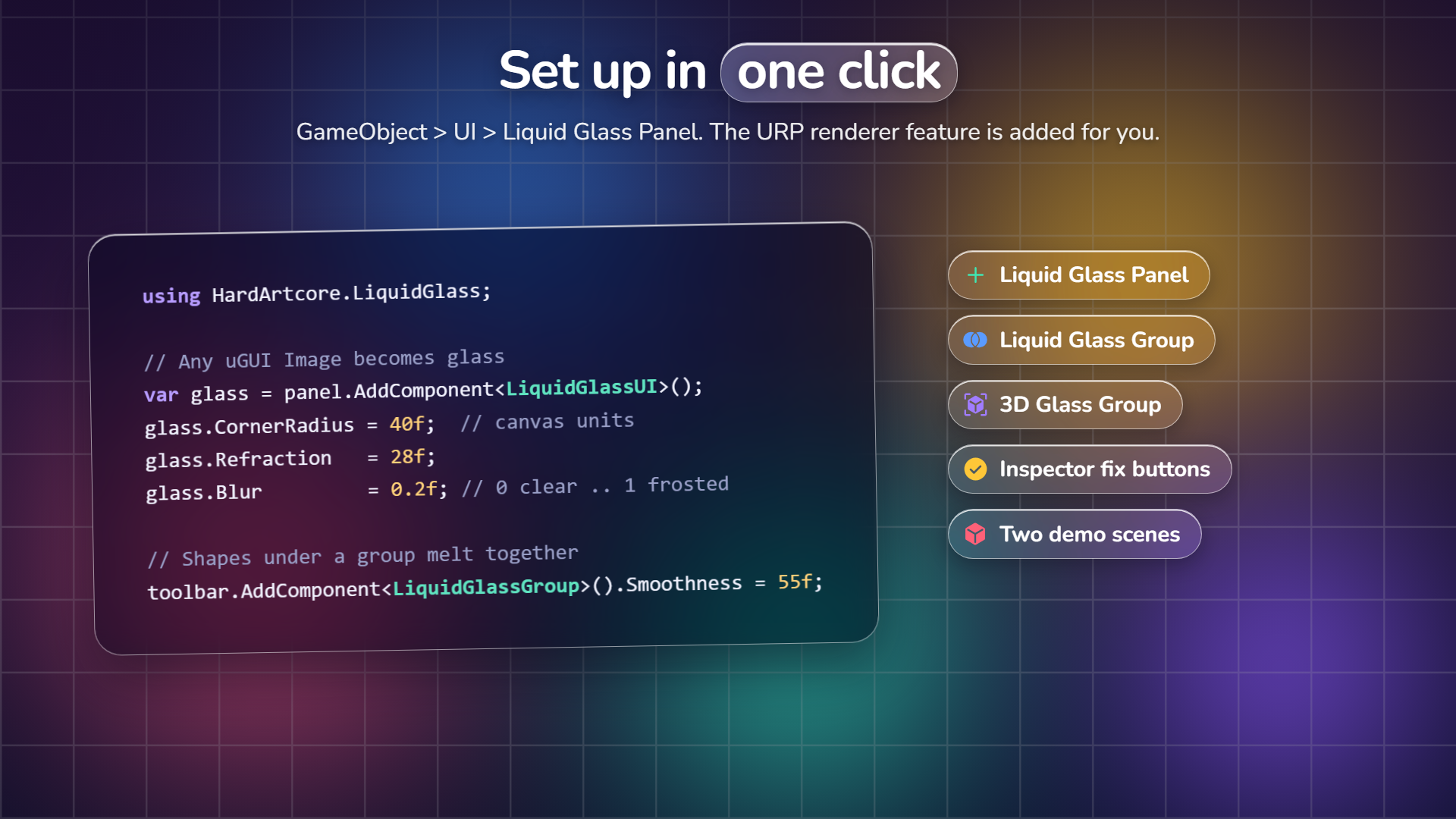
- Liquid Glass Group: child glass shapes melt together as they get close, like iOS toolbars and buttons
- Drag, animate or tween the shapes: clicks and drags keep working, and the merge follows live
- Each shape keeps its own corner radius, rim, refraction and blur; where shapes meet, the settings blend
- Up to 16 shapes per group, drawn as one shape in one draw call
- 3D version for world-space glass quads
UI AND 3D
- UI: any uGUI Graphic with the Liquid Glass component; RectMask2D, Mask, CanvasGroup fades and the Image color are supported
- 3D and 2D world space: quads, meshes and SpriteRenderers with the Mesh shader; size follows the object’s scale
- Separate world capture, so world-space glass never refracts itself
PERFORMANCE
- One background capture and dual Kawase blur per camera, shared by every glass element
- Capture at 1/2 to 1/4 resolution, 1 to 6 blur iterations, blur spread at no extra cost
- 2 texture samples per glass pixel (6 with chromatic aberration)
- All UI glass in one draw call; the Mesh shader is SRP Batcher compatible and supports GPU instancing
- Refresh the capture every N frames for static screens, or skip all work while no glass UI is enabled
EASY SETUP
- GameObject > UI > Liquid Glass Panel and Liquid Glass Group, GameObject > 3D Object > Liquid Glass Group
- The URP renderer feature is added for you; inspectors warn and fix missing setup with one click
- Four material presets: Clear, Dark, Chromatic and Mesh
- Two demo scenes: glass UI over moving 3D objects, and 3D glass that rotates and merges
FOR PROGRAMMERS
- Clean, commented C# in its own assembly definitions; public properties for every per-element setting
- A Render Graph renderer feature (no compatibility mode needed)
- Full shader source, with the glass shading shared in one HLSL include
REQUIREMENTS
- Unity 6 with the Universal Render Pipeline (Render Graph). Tested on Unity 6000.6 with URP 17.6
- uGUI for the UI components
- Not supported: the Built-in Render Pipeline and HDRP
THIRD-PARTY
The demo scenes use the Nunito font (SIL Open Font License 1.1). See the documentation.
If you have any questions, requests or something isn’t working, please send me an email at: support@hardartcore.com
Release notes
- v1.0.0
- First release.