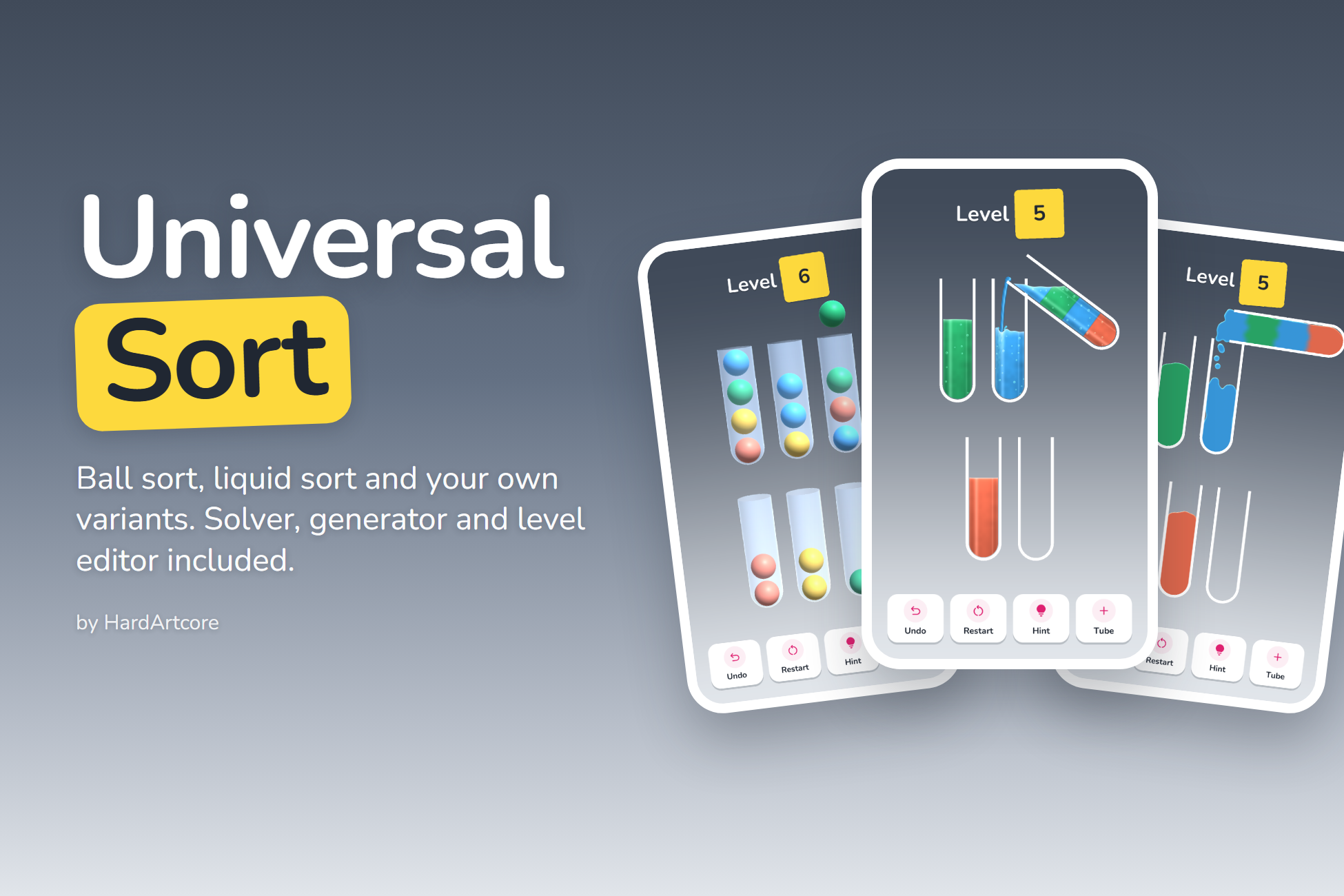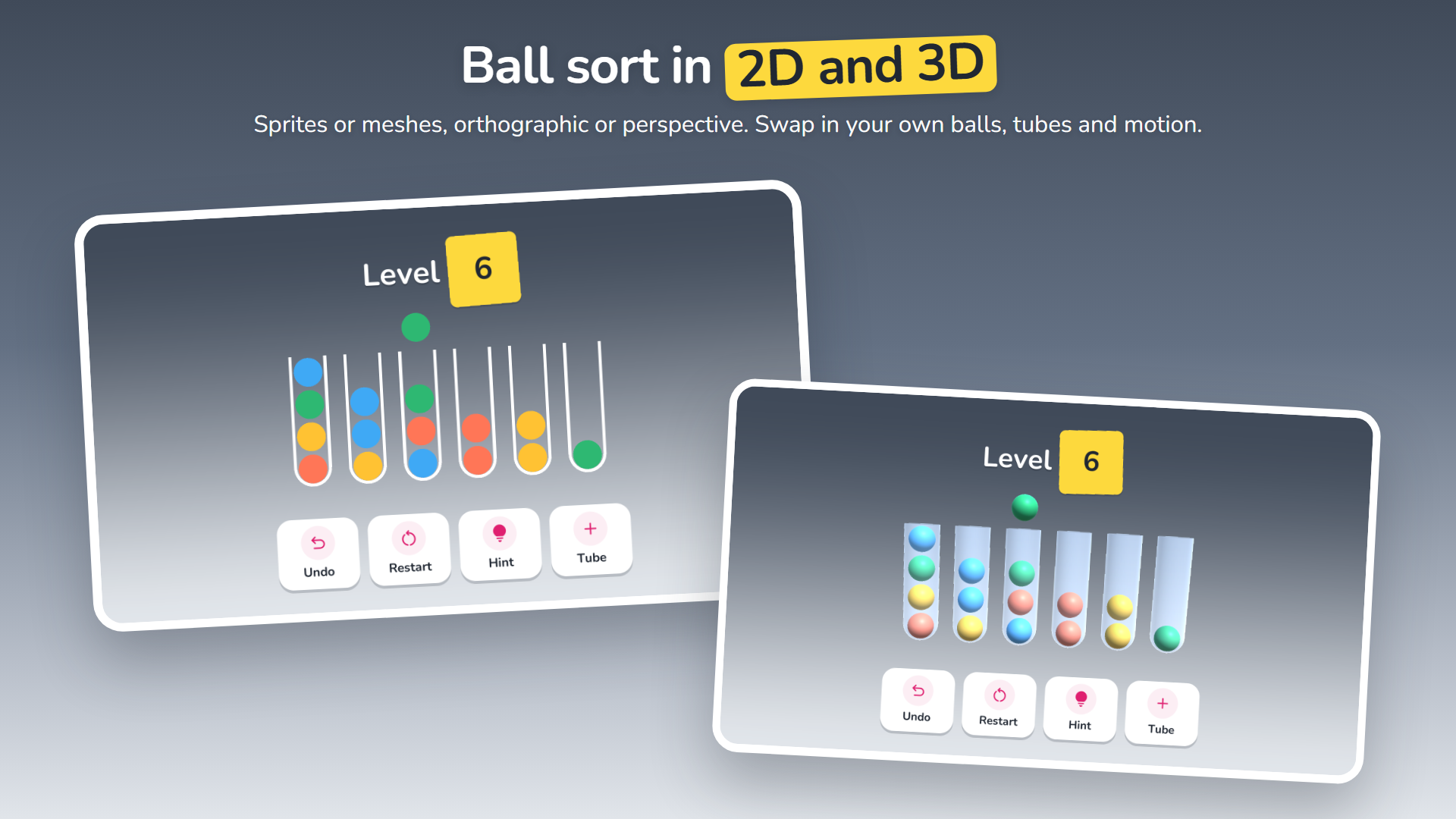
Sort balls, liquids and more.
Universal Sort Framework gives you everything behind a sort puzzle as clean, tested, reusable systems: the game rules, a fast solver that proves every level solvable and powers the hints, a level generator that builds packs along a difficulty curve, a level editor, and renderers for balls, liquid and real particle liquid in 2D and 3D.
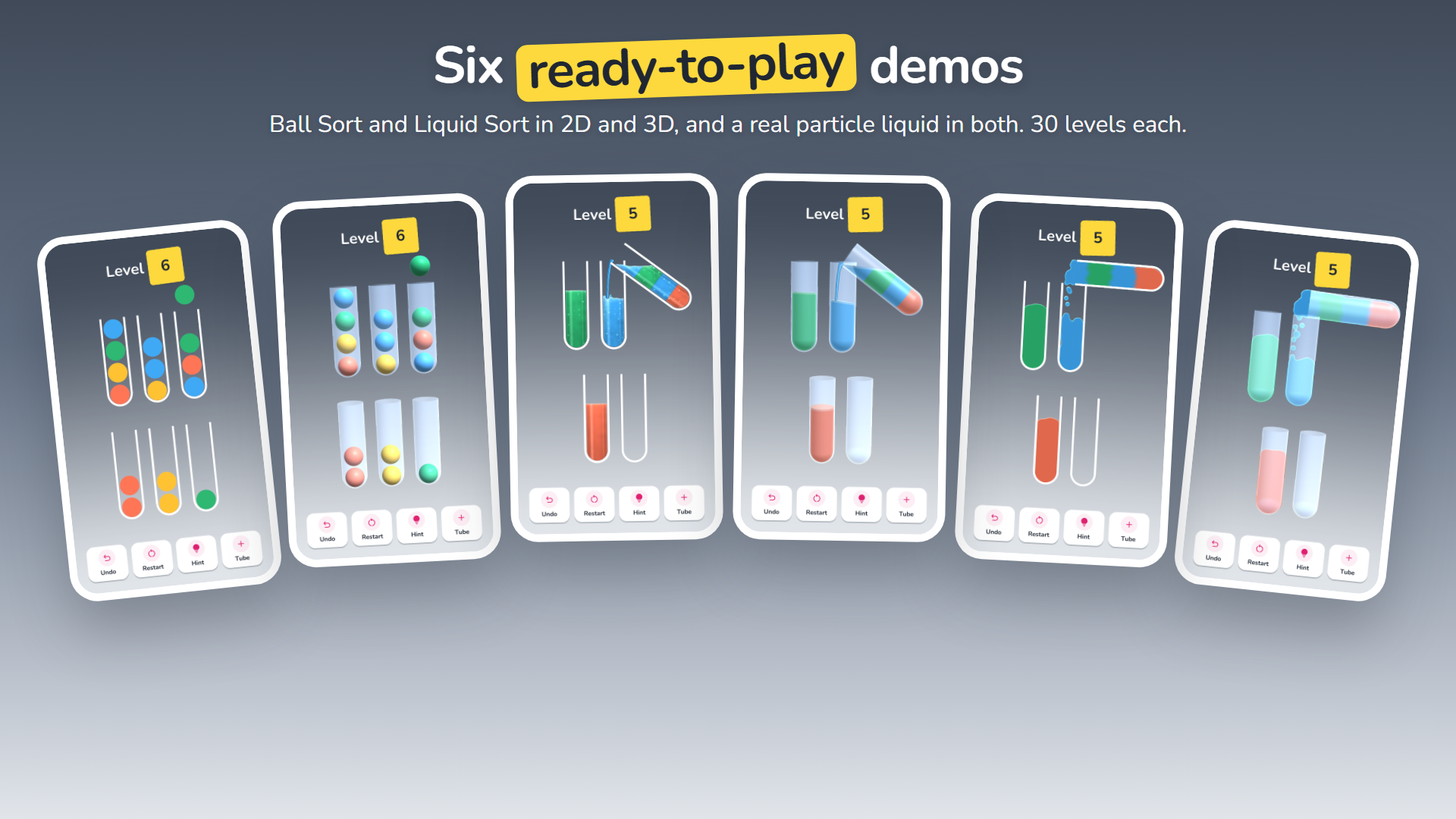
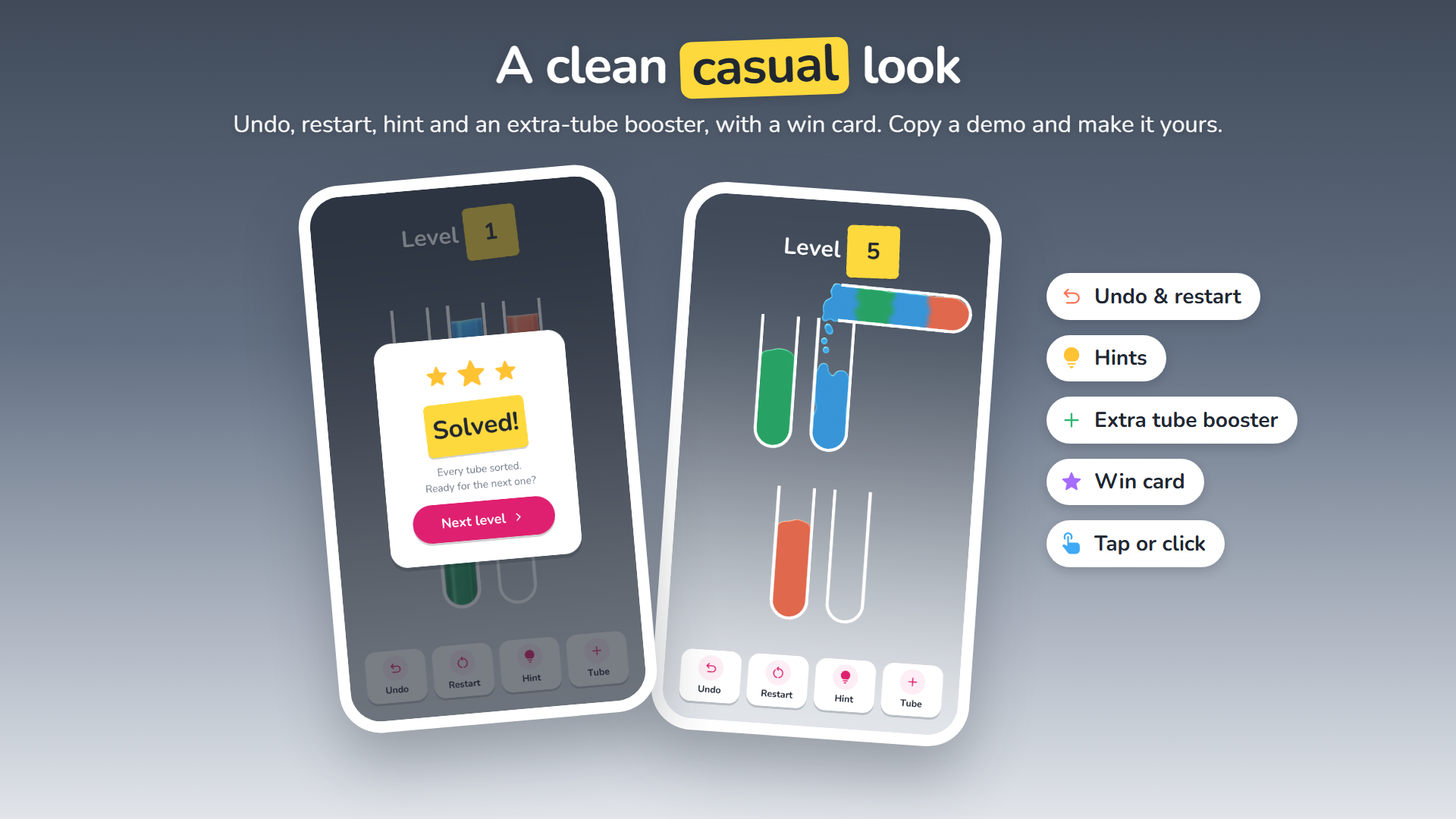
Press Play in any of the six demos and you have a game: 30 levels of rising difficulty, undo, restart, hints, an extra-tube booster, a win card and saved progress.
Any sort puzzle
Ball Sort, Water Sort and your own variants, with custom rules and special tubes.
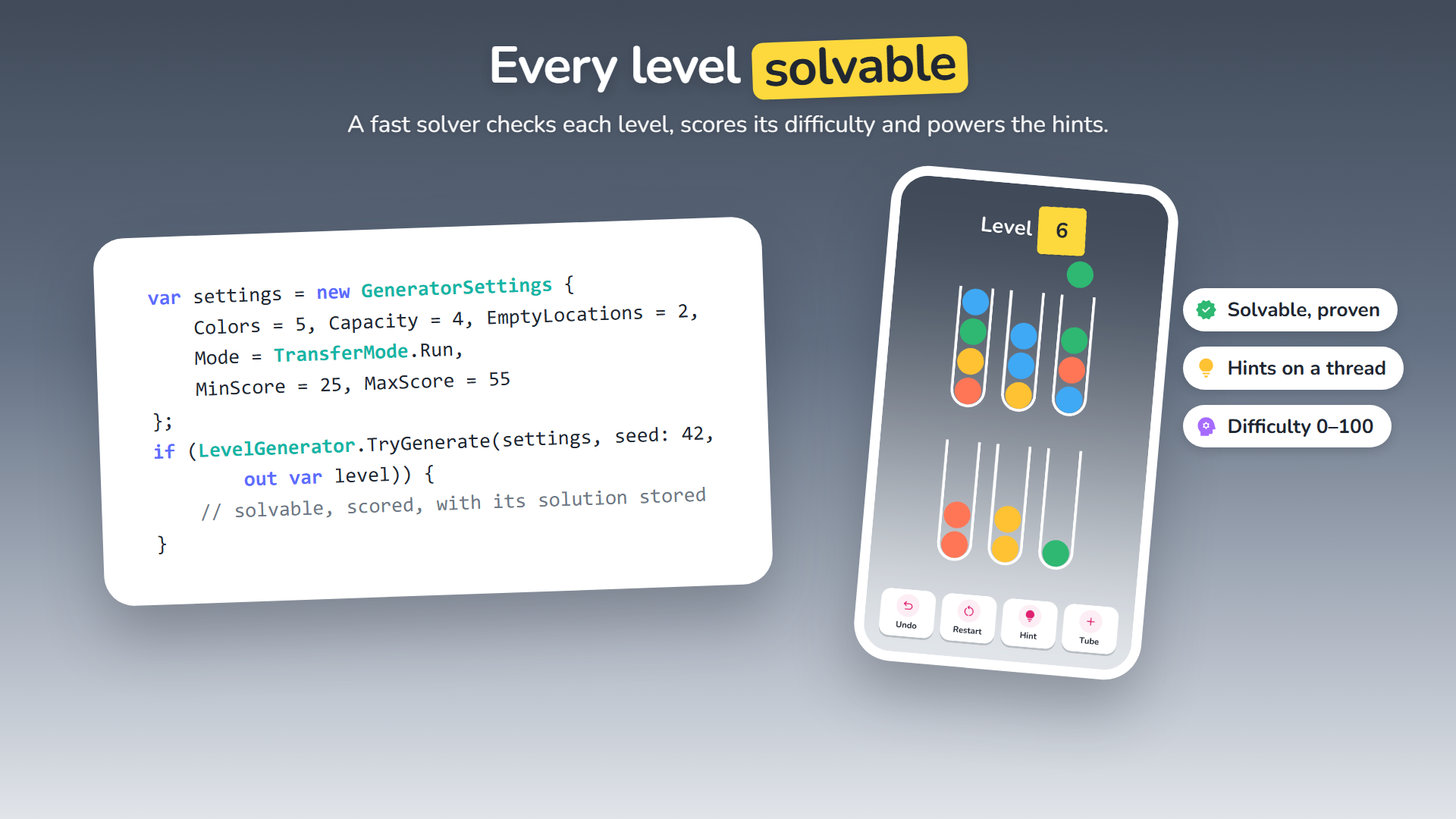
Every level solvable
A solver proves each level, finds a shortest solution, scores difficulty and gives hints.
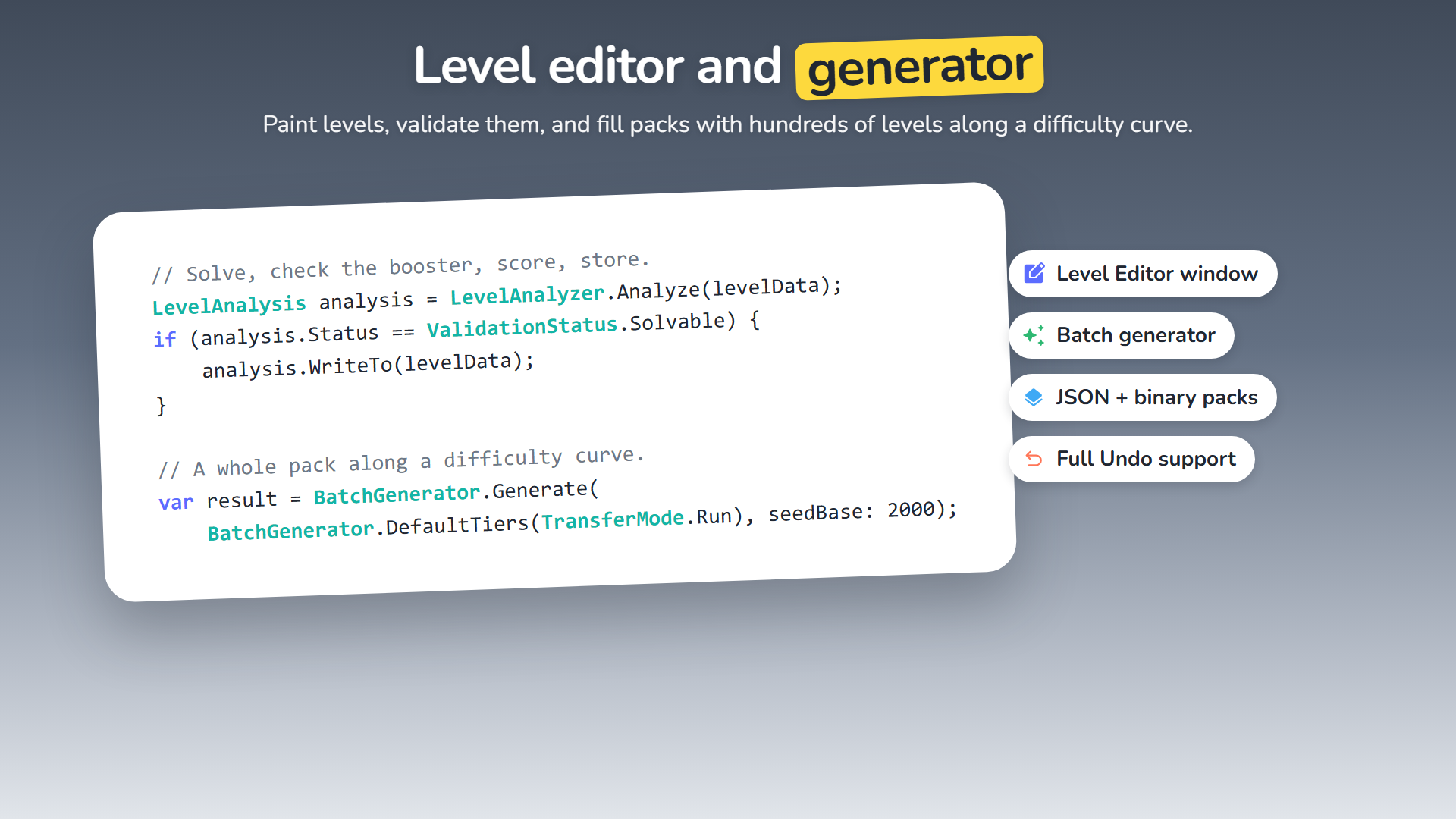
Levels in bulk
Generate packs along a difficulty curve, or paint and validate levels in the Level Editor.
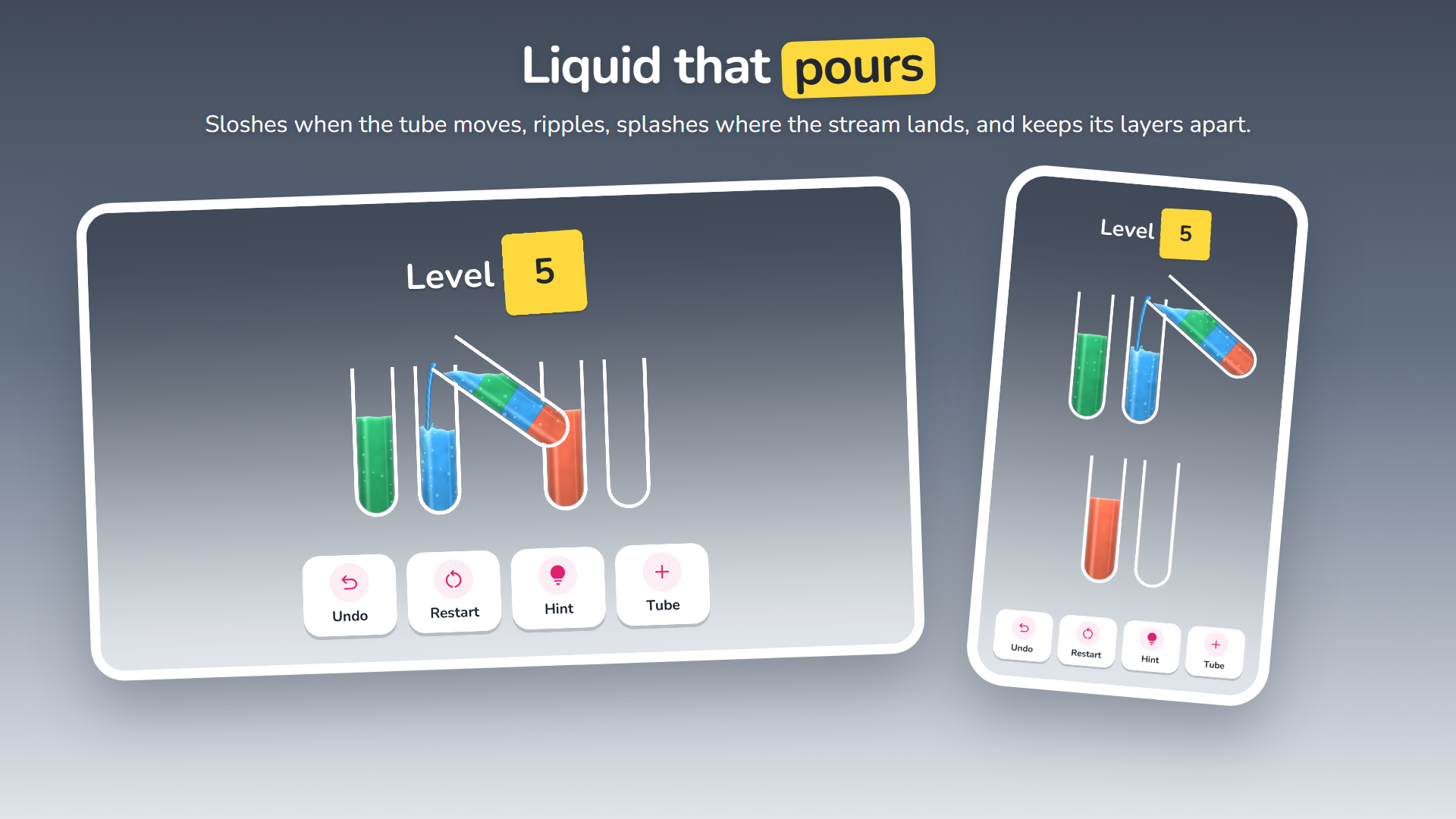
Liquid that pours
Sloshing, rippling liquid layers, and a real particle liquid that spills and splashes.
Description
GAMEPLAY
- Two transfer modes: one element per move (Ball Sort) or the whole run of matching elements (Liquid / Water Sort)
- Undo, restart, hints and an extra-location booster (“+ Tube”)
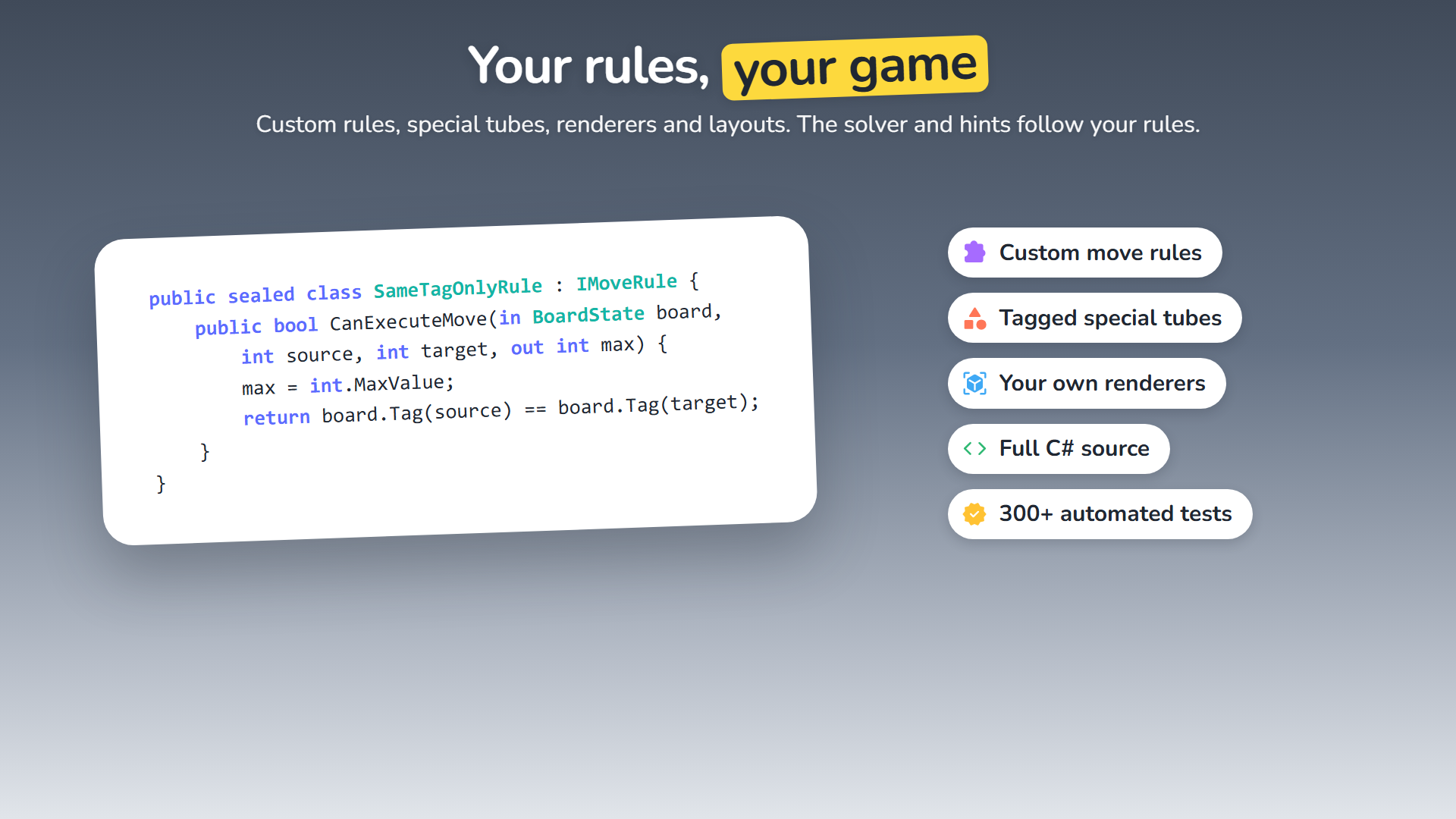
- Custom move rules and win conditions, respected by the solver, the hints and the generator
- Location tags: mark tubes and build special ones (locked, one-colour-only, frozen…) with your own rules and views
- Saved progress, and events for every game moment: level started, move made, invalid move, stuck, won
LEVELS
- Solver: proves a level solvable, finds a shortest solution and checks whether it needs the booster
- Difficulty score from 0 to 100, from solution length, branching and traps found by simulated players
- Level generator: give it colours, capacity, empty tubes and a score window; the same seed gives the same level
- Batch Level Generator window: fill a pack along a difficulty curve, or write a compact binary pack
- Level Editor window: paint levels, see colour counts and issues, validate, store the solution, full Undo
- JSON and binary pack formats, for hundreds of levels
RENDERING
- Ball renderer for sprites (2D) or meshes (3D), with lift, arc and drop motion
- Liquid shader: layers that keep their volume at any tilt, slosh when the tube moves, ripple and splash where the stream lands, with soft layer joins and bubbles
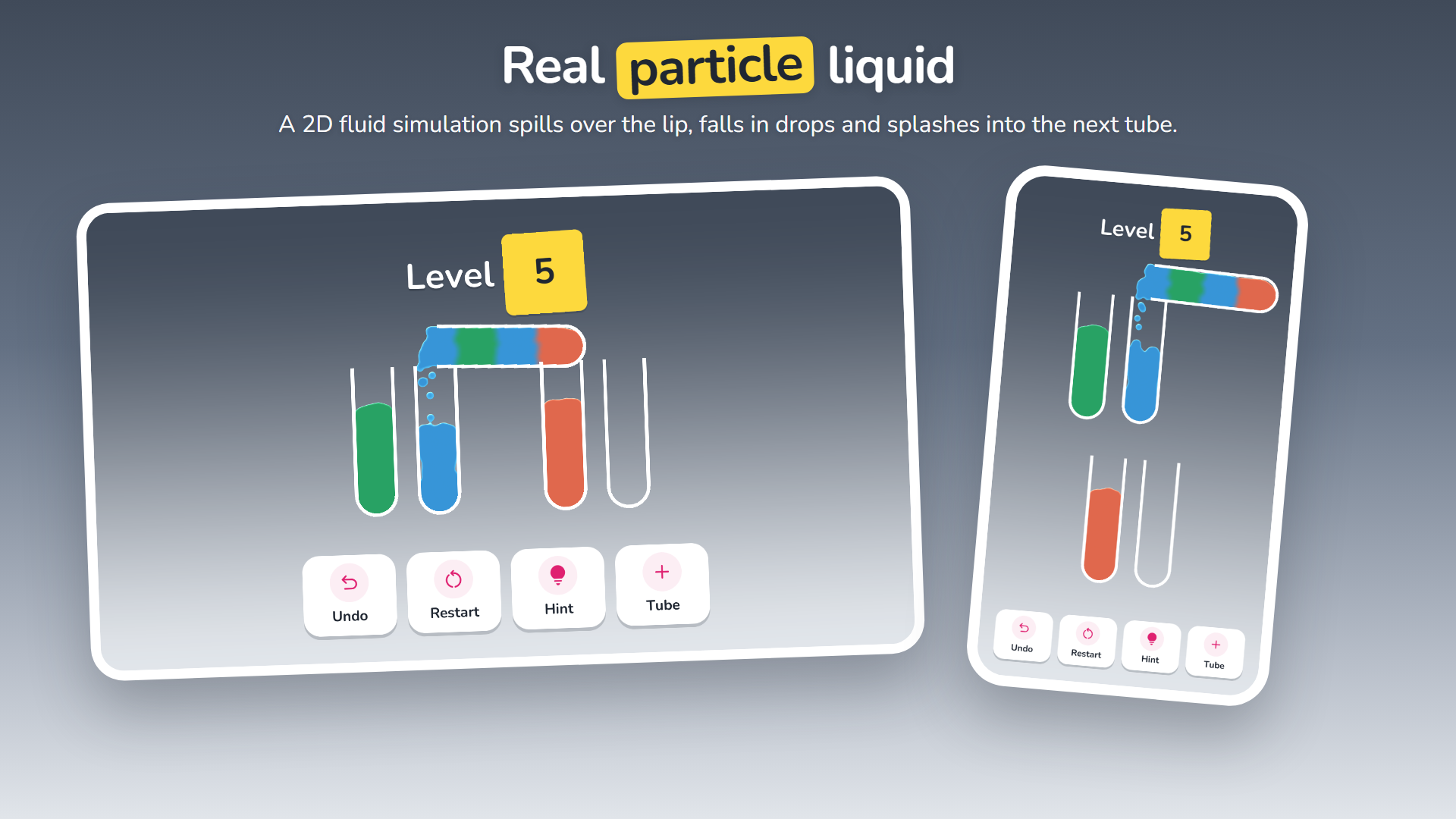
- Particle liquid: a real fluid simulation, in 2D sprites or 3D glass tubes; tubes tip, the liquid spills over the lip, falls as a stream that breaks into drops, and splashes into the next tube
- Pour stream, tilt planning about the lip, and layouts that fit any number of tubes to the camera
- Works with URP’s Universal Renderer (Forward, Forward+, Deferred) and the 2D Renderer
DEMOS
- Ball Sort 2D, Ball Sort 3D, Liquid Sort 2D, Liquid Sort 3D, Particle Liquid 2D and Particle Liquid 3D
- 30 generated levels per pack, each with its stored solution
- A clean casual HUD: level title, status chip, Undo / Restart / Hint / Tube buttons and a win card
- Every demo is a plain scene and prefab you can copy as the start of your own game
FOR PROGRAMMERS
- Clean, commented C# in assembly definitions and namespaces; the core has no Unity dependency
- UnityEvents for designers and C# events for code
- Extension points for rules, tags, renderers, layouts, timelines and the liquid shader
- Over 300 automated EditMode and PlayMode tests
REQUIREMENTS
- Unity 6 (6000.0) or newer
- The Universal Render Pipeline for the demos and the liquid shaders; the core, solver, generator and ball renderer work without it
- Optional: the Input System (the legacy Input Manager works too)
THIRD-PARTY
Includes the Nunito font (SIL Open Font License 1.1) and Material Symbols icons (Apache License 2.0) in the demos. See the documentation.
If you have any questions, requests or something isn’t working, please send me an email at: support@hardartcore.com
Release notes
- v1.0
- First release.