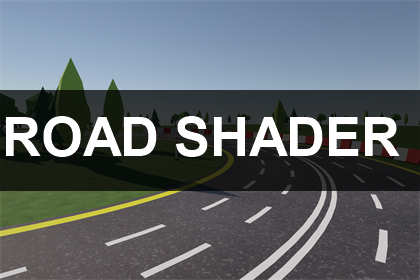
Road markings without a single marking texture.
Road Shader is a lit URP shader that draws side lines, centre lines, lane lines, dashes and pedestrian crossings straight from the mesh UVs. Change the layout of a road by moving a slider, not by painting a new texture. It comes with a spline race track generator that builds the road mesh, drapes it over your terrain and places barriers and trees along it.
Try it in your browser: open the web demo above, drive the sample circuit and change the markings live.
Description
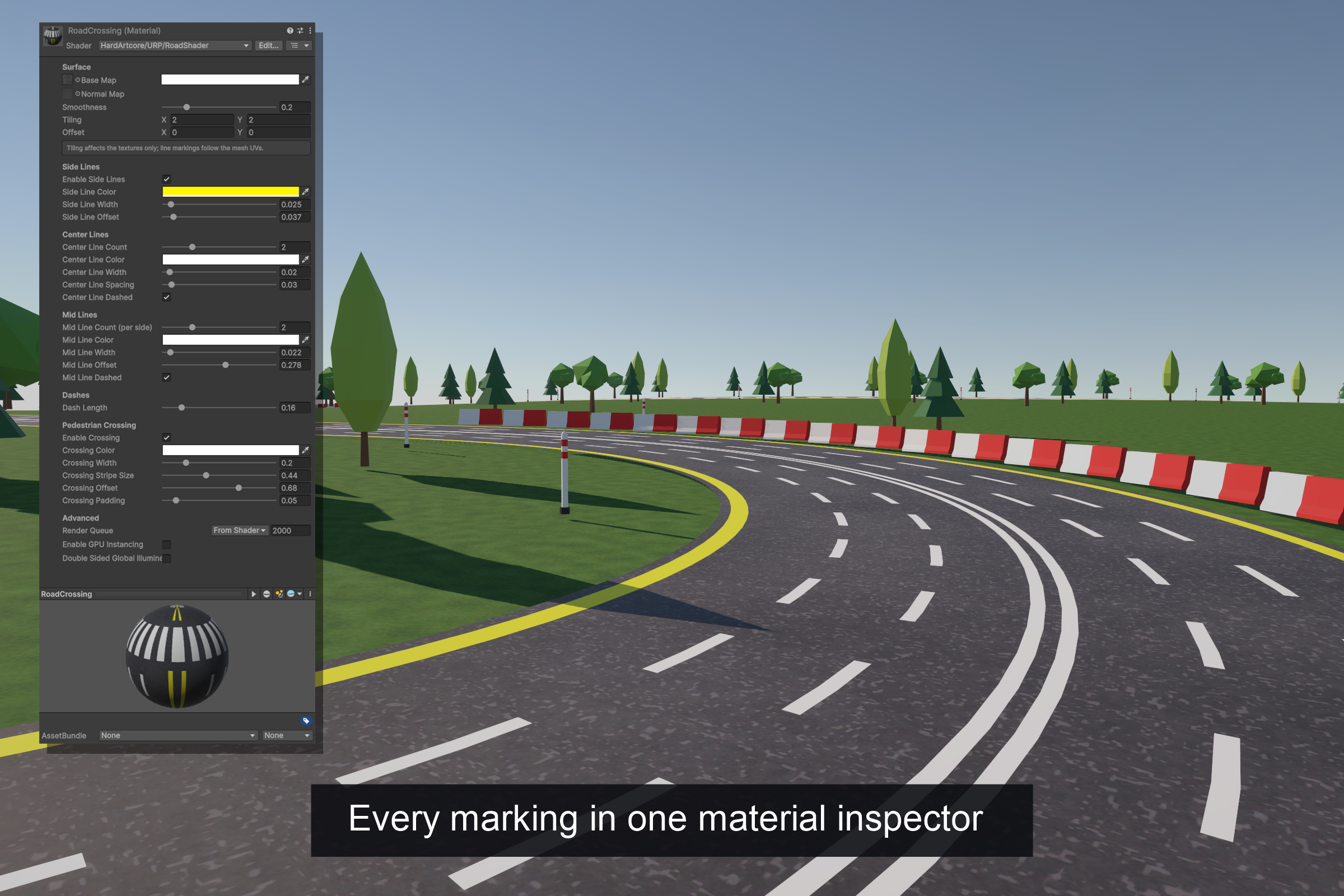
MARKINGS FROM SLIDERS
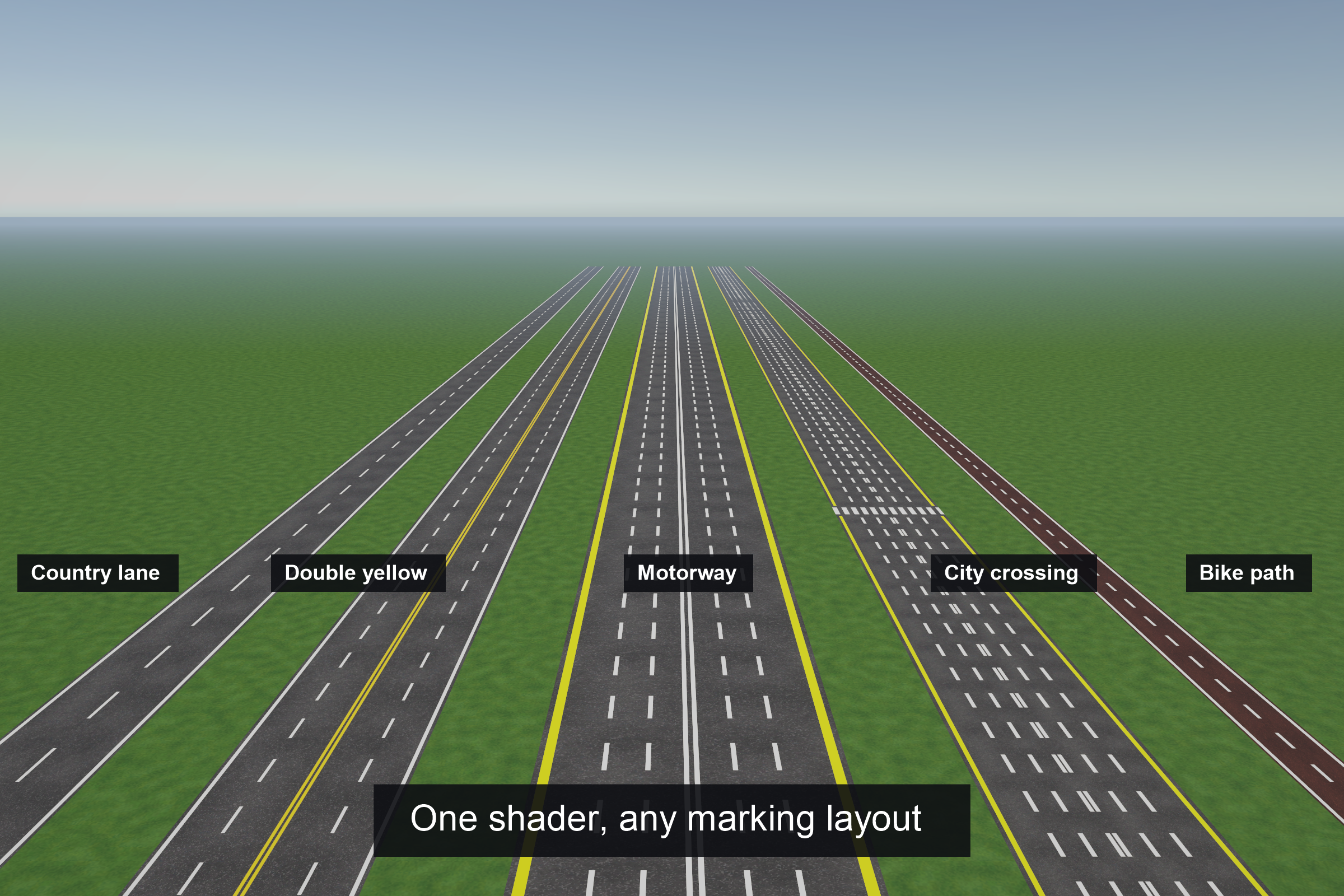
- Side lines on both edges, with width, offset and colour
- Up to 8 centre lines (a double yellow is two), solid or dashed
- Up to 8 lane lines on each side of the centre, solid or dashed
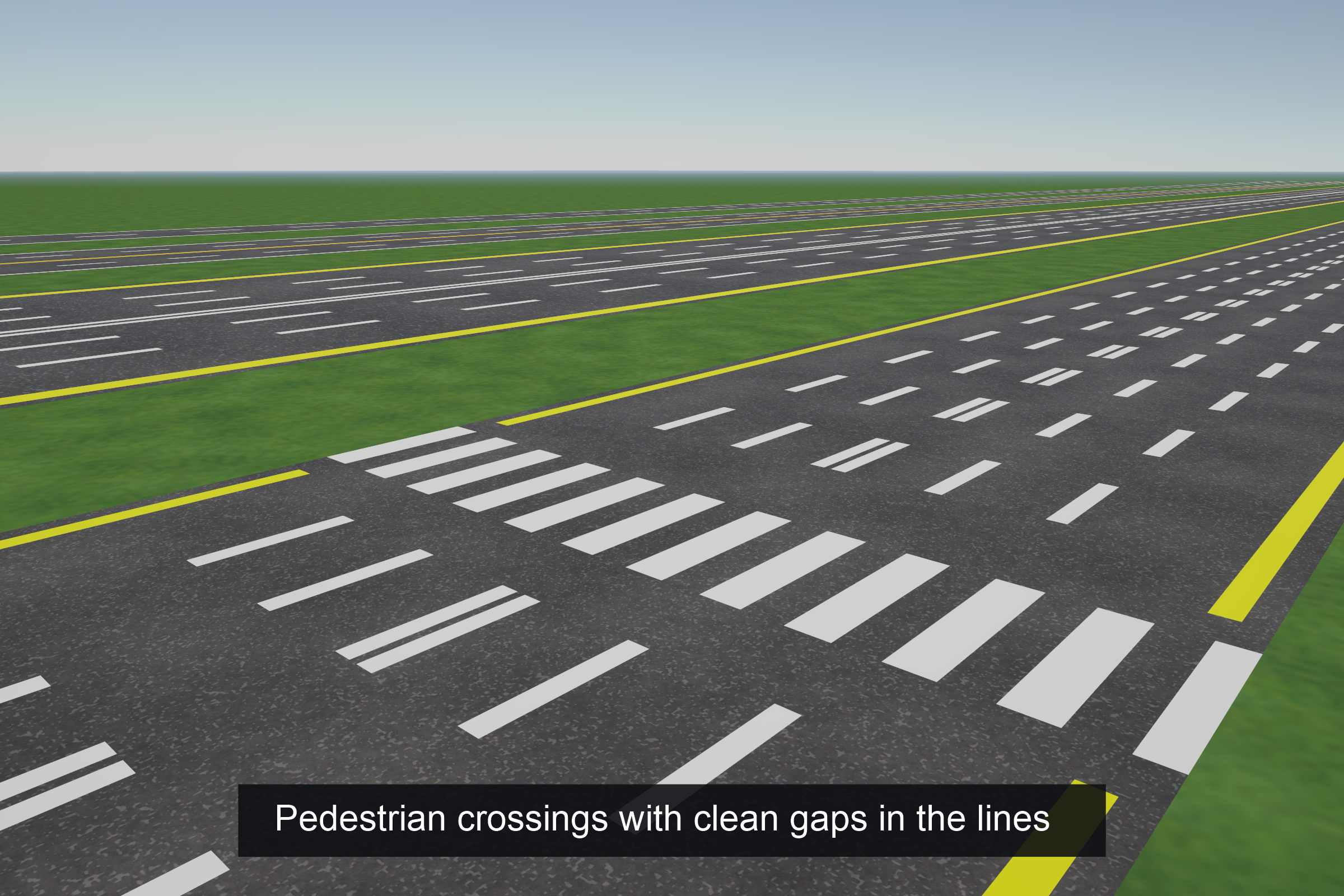
- Pedestrian crossing that interrupts the lane lines with a clean gap
- Colour alpha sets paint opacity, so worn or faint paint is one slider away
- Base map and normal map tiling never moves the markings
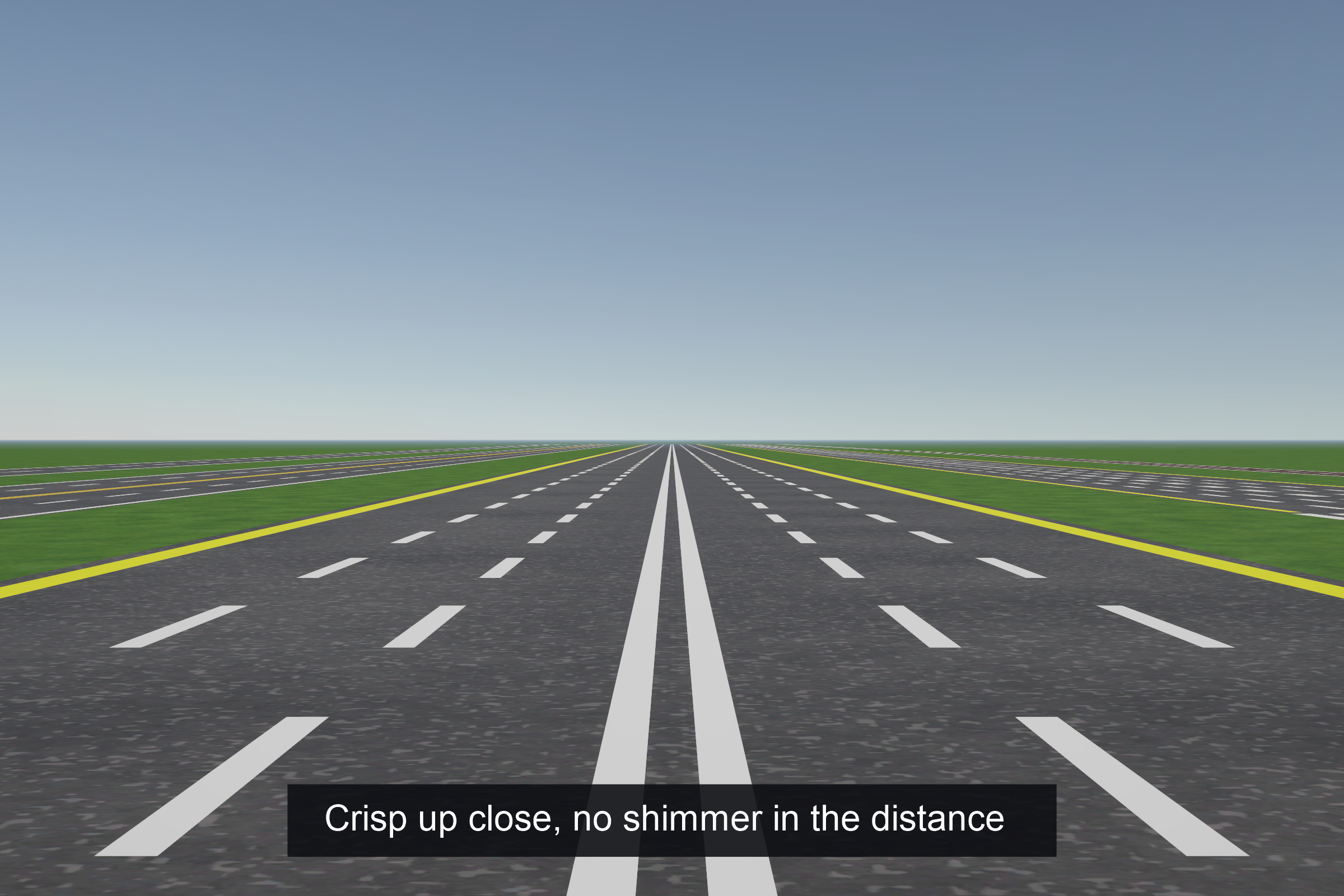
CRISP AT ANY DISTANCE
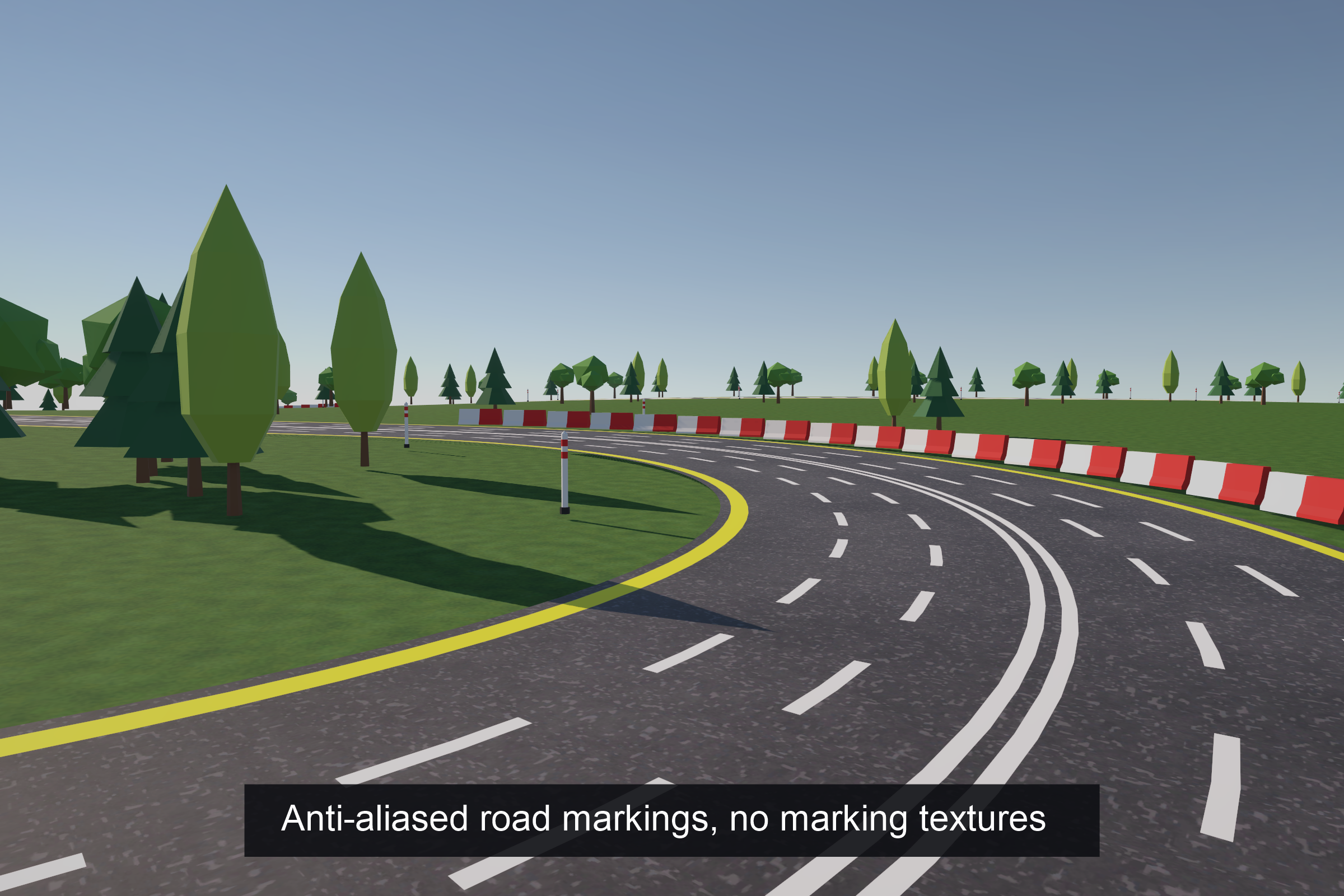
- Every line is anti-aliased in the shader with a one-pixel soft edge
- Lines thinner than a pixel fade out instead of flickering
- Distant dashes blend smoothly instead of producing moiré
A REAL URP LIT SURFACE
- Built on URP’s own Lit passes: shadows, lightmaps, light probes, SSAO, decals, fog and screen-space effects behave exactly as on URP Lit
- Forward, Forward+ and Deferred rendering paths
- SRP Batcher compatible, GPU instancing supported
- Turning off side lines or the crossing removes their cost through shader keywords
- Markings feed baked GI, so lightmapped roads bounce the right colour
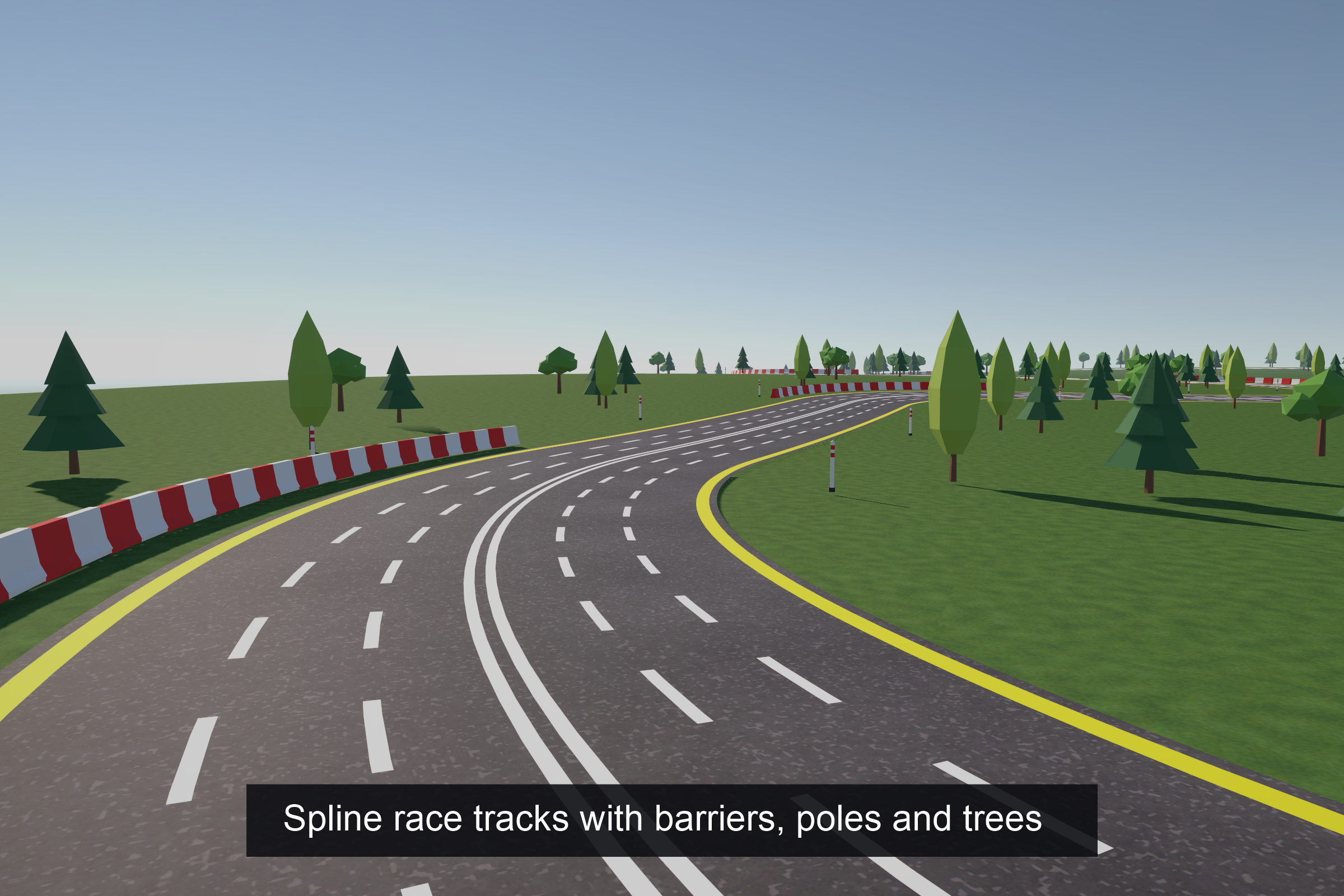
SPLINE RACE TRACK GENERATOR
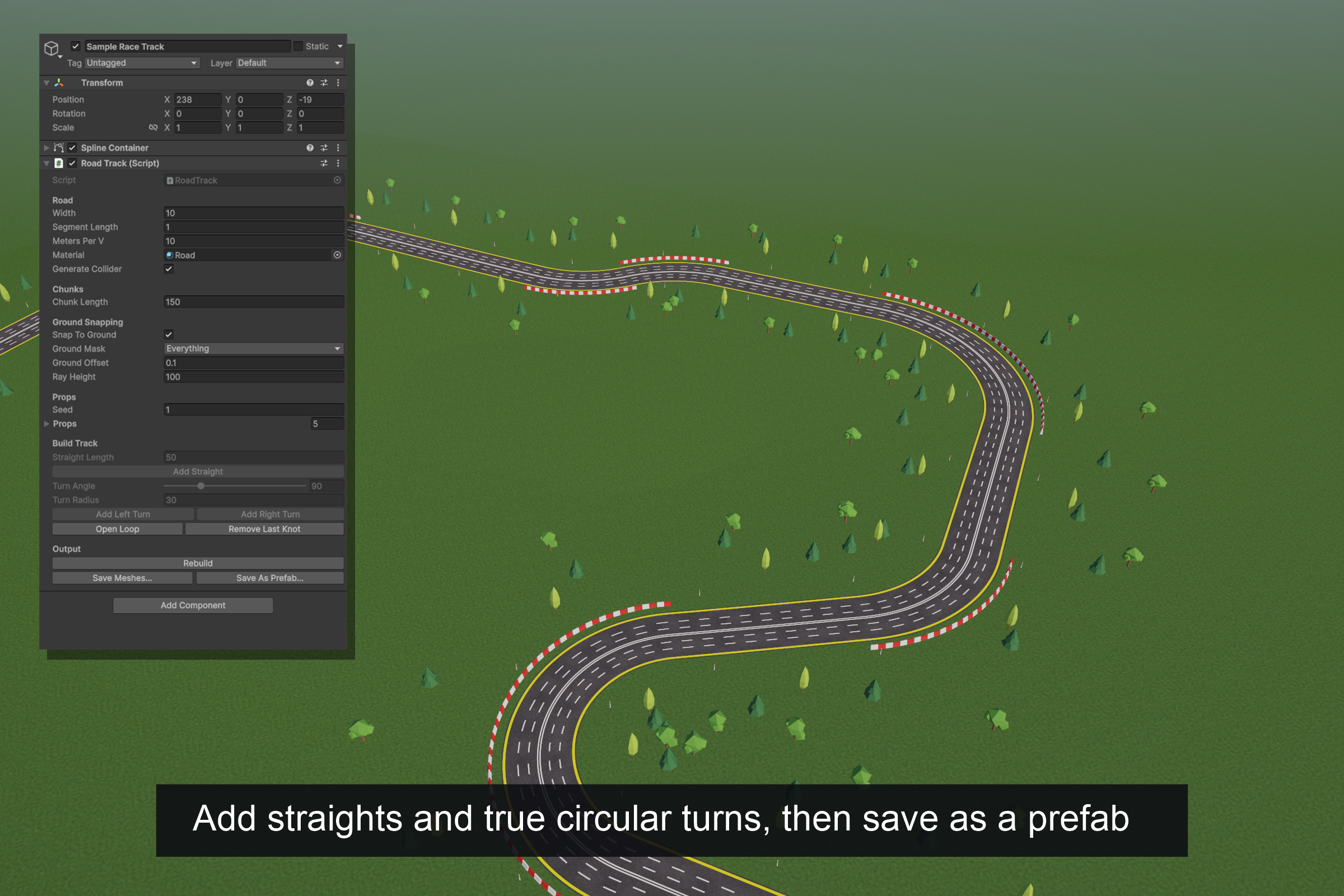
- Build a track in the Inspector: add straights, left and right turns (true circular arcs), close the loop
- Or shape it freely with Unity’s Spline tools; rotating a knot banks the road
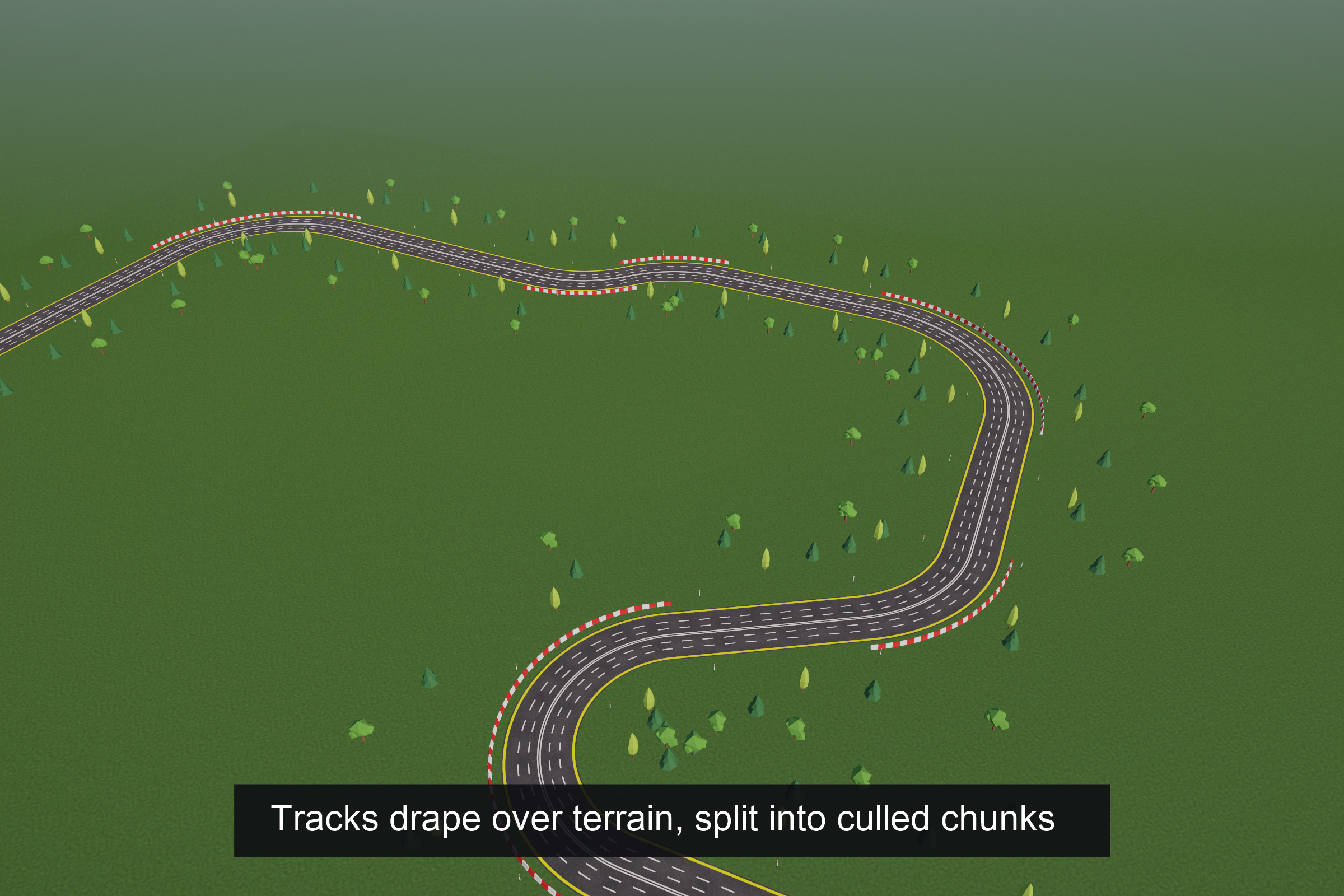
- Snap to Ground drapes the road and every prop over a Terrain or any collider
- The road is split into chunks so distant parts are culled
- Prop rules: spacing, side (left, right, both, outside or inside of turns), edge distance, jitter, and corners only. A seed keeps placement repeatable
- Save the result as mesh assets or a prefab that needs no script or spline at runtime
IN THE BOX
- The shader with a custom material inspector, and two ready materials
- Straight road prefabs, with and without a crossing
- Props: barrier, marker pole and three low-poly trees
- Tileable asphalt base map and normal map
- A demo scene with a sample circuit on a hilly terrain
- EditMode tests for the track generator
REQUIREMENTS
- Unity 6.1 or newer with the Universal Render Pipeline (tested on Unity 6000.6, URP 17.6)
- Splines package 2.9 or newer, for the track generator only
Works on any mesh with a sensible UV layout: U across the road, V along it.
If you have any questions, requests or something isn’t working, please send me an email at: support@hardartcore.com
Release notes
- v1.0.0
- First release.