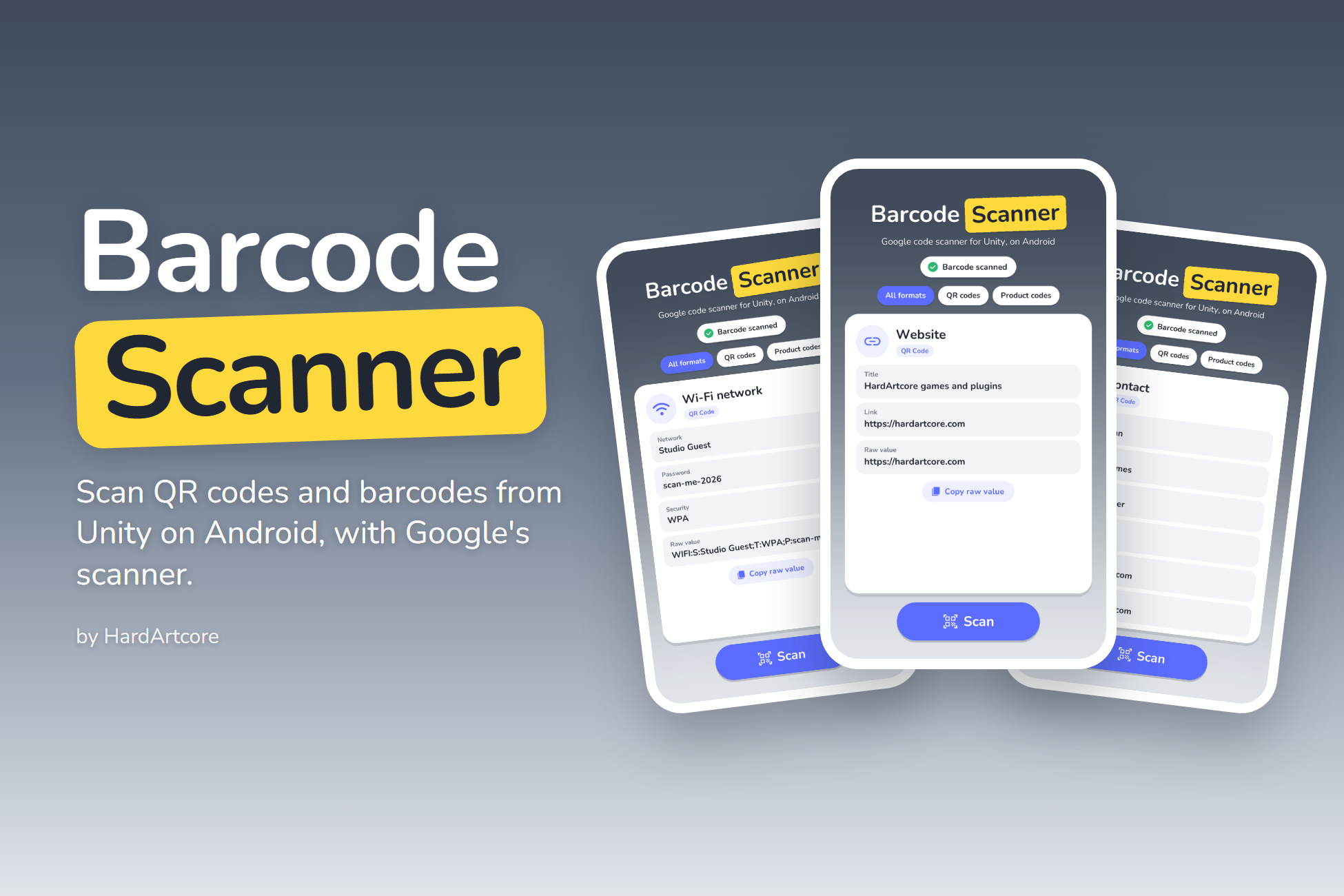
Google’s code scanner in your Unity game: one call, typed results, no camera permission.
Barcode Scanner for Android opens Google’s code scanner from Unity and returns the result to your C# code. Google Play services shows the camera screen, finds the barcode and parses its content, so your app needs no camera permission and no camera code.
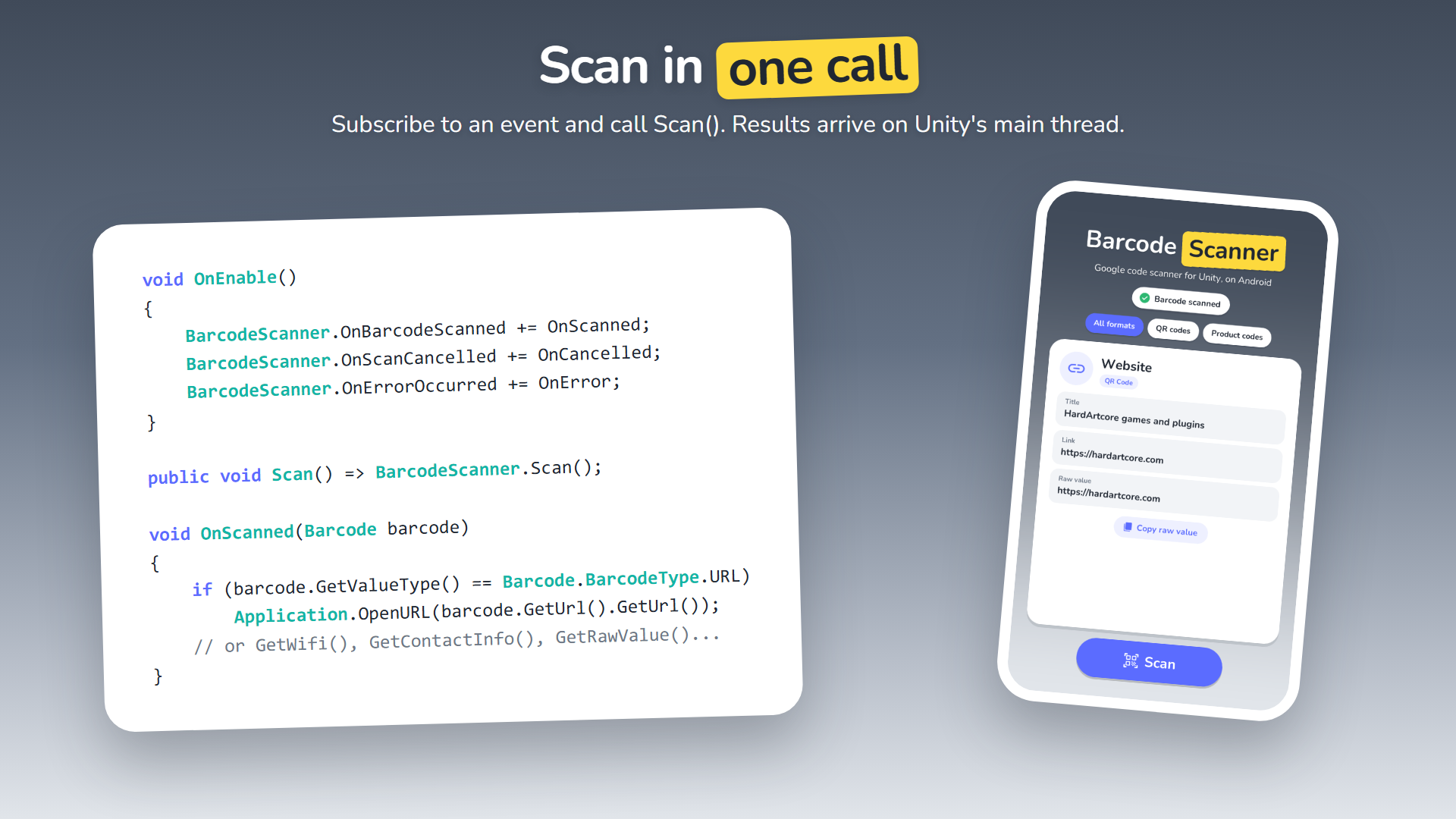
Call BarcodeScanner.Scan() and handle one event. Results arrive on Unity’s main thread, with structured QR content already parsed into Wi-Fi networks, contacts, links, calendar events and more.
One call to scan
Scan() opens the scanner; events return the result, a cancel or an error.
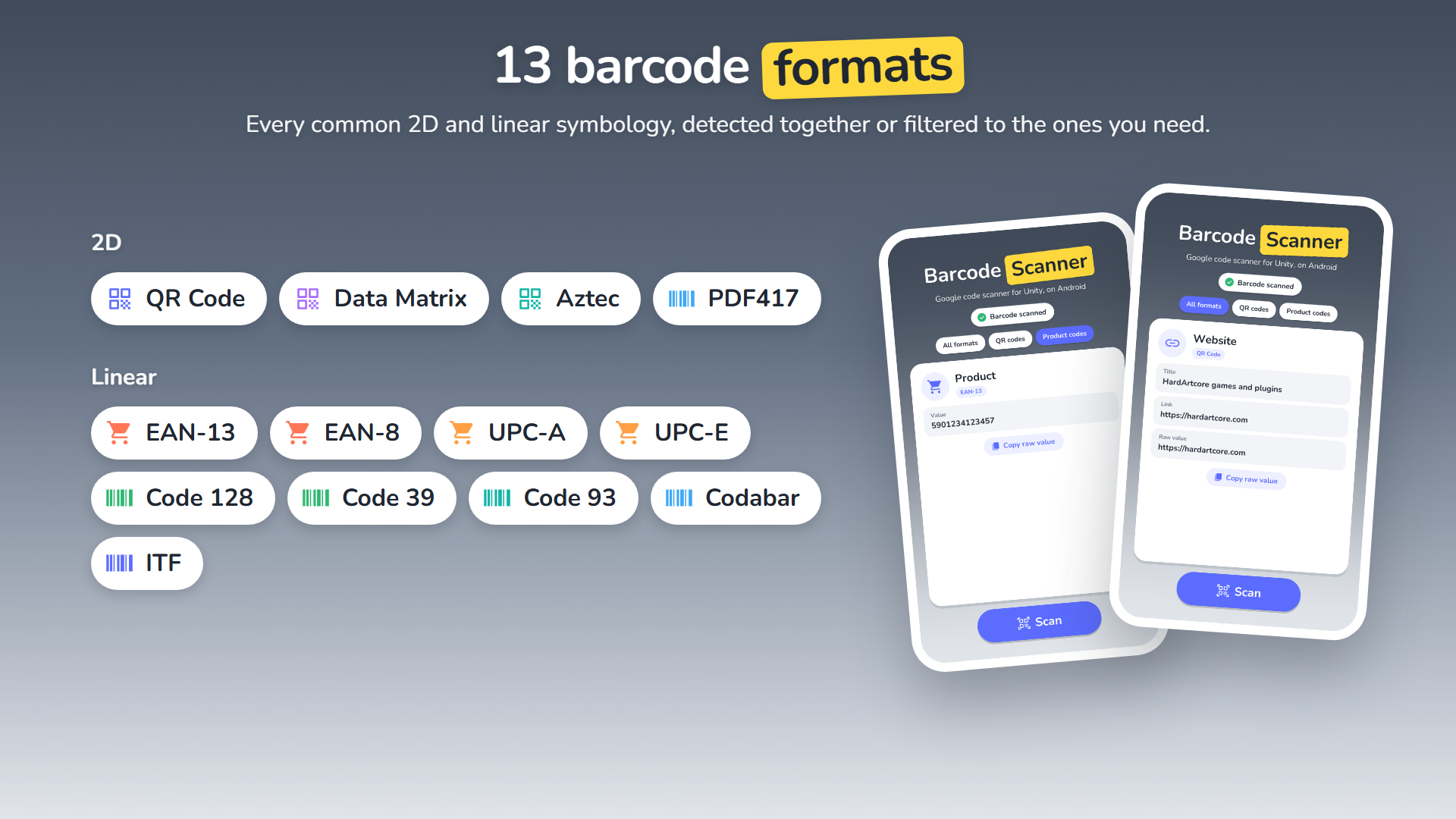
13 formats
QR Code, Data Matrix, Aztec, PDF417, EAN, UPC, Code 128/39/93, Codabar and ITF.
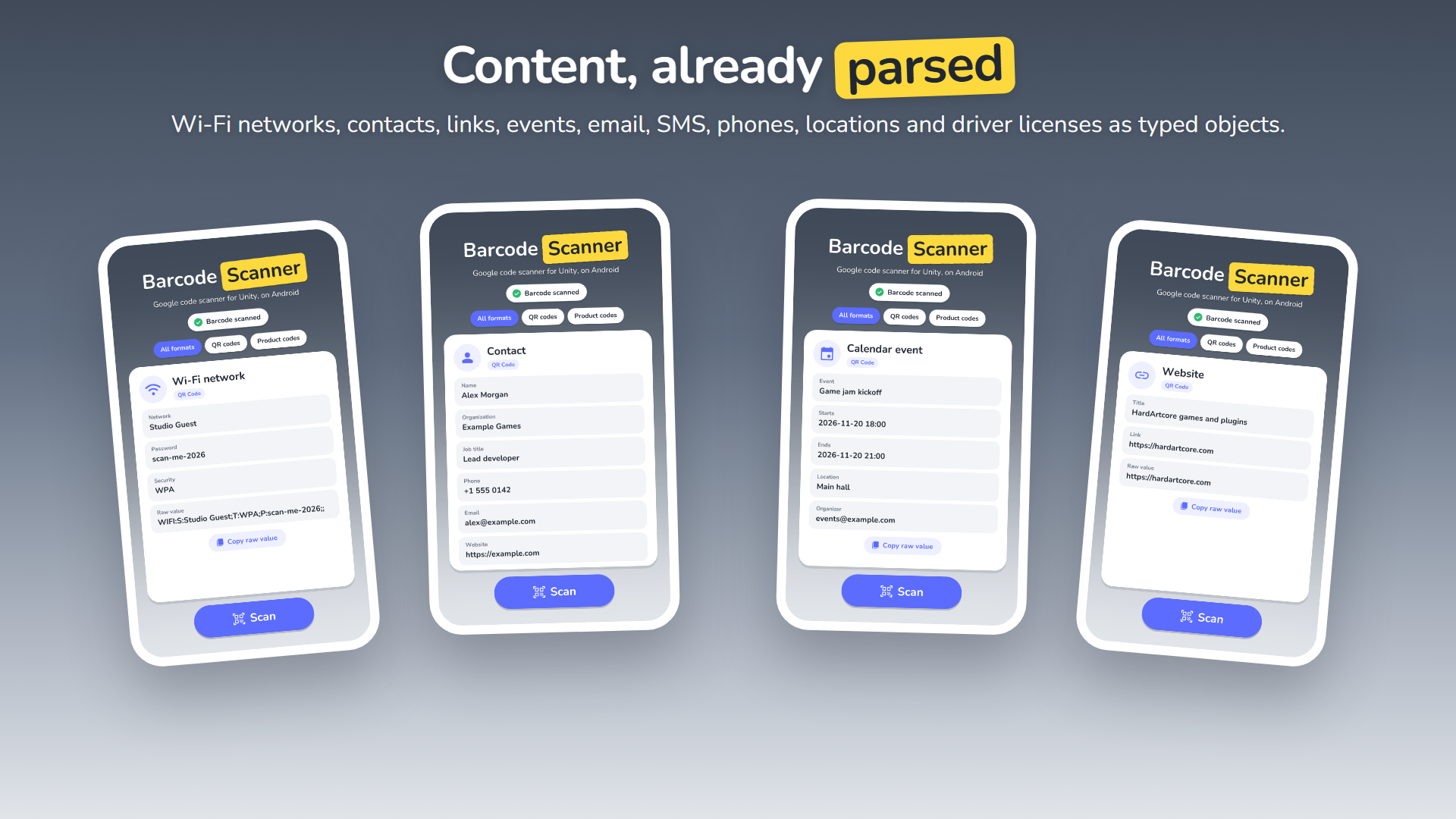
Parsed content
Wi-Fi, contacts, links, events, email, SMS, phones, locations and driver licenses.
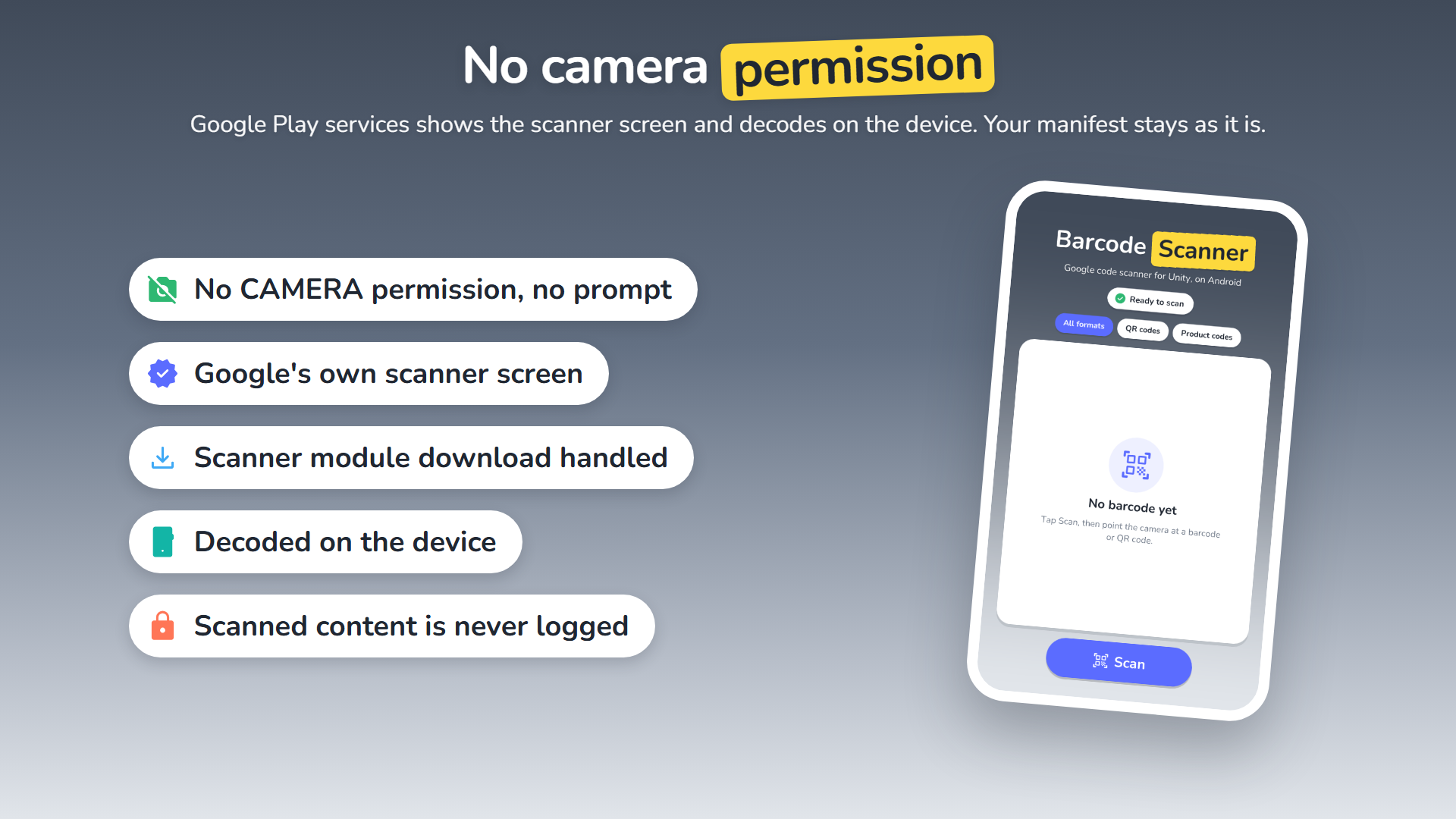
No camera permission
Google Play services owns the camera screen and decodes on the device.
Description
SCANNING
- One call:
BarcodeScanner.Scan()opens the scanner; events return the result, a cancel or an error - 13 formats: QR Code, Data Matrix, Aztec, PDF417, EAN-13, EAN-8, UPC-A, UPC-E, Code 128, Code 39, Code 93, Codabar and ITF
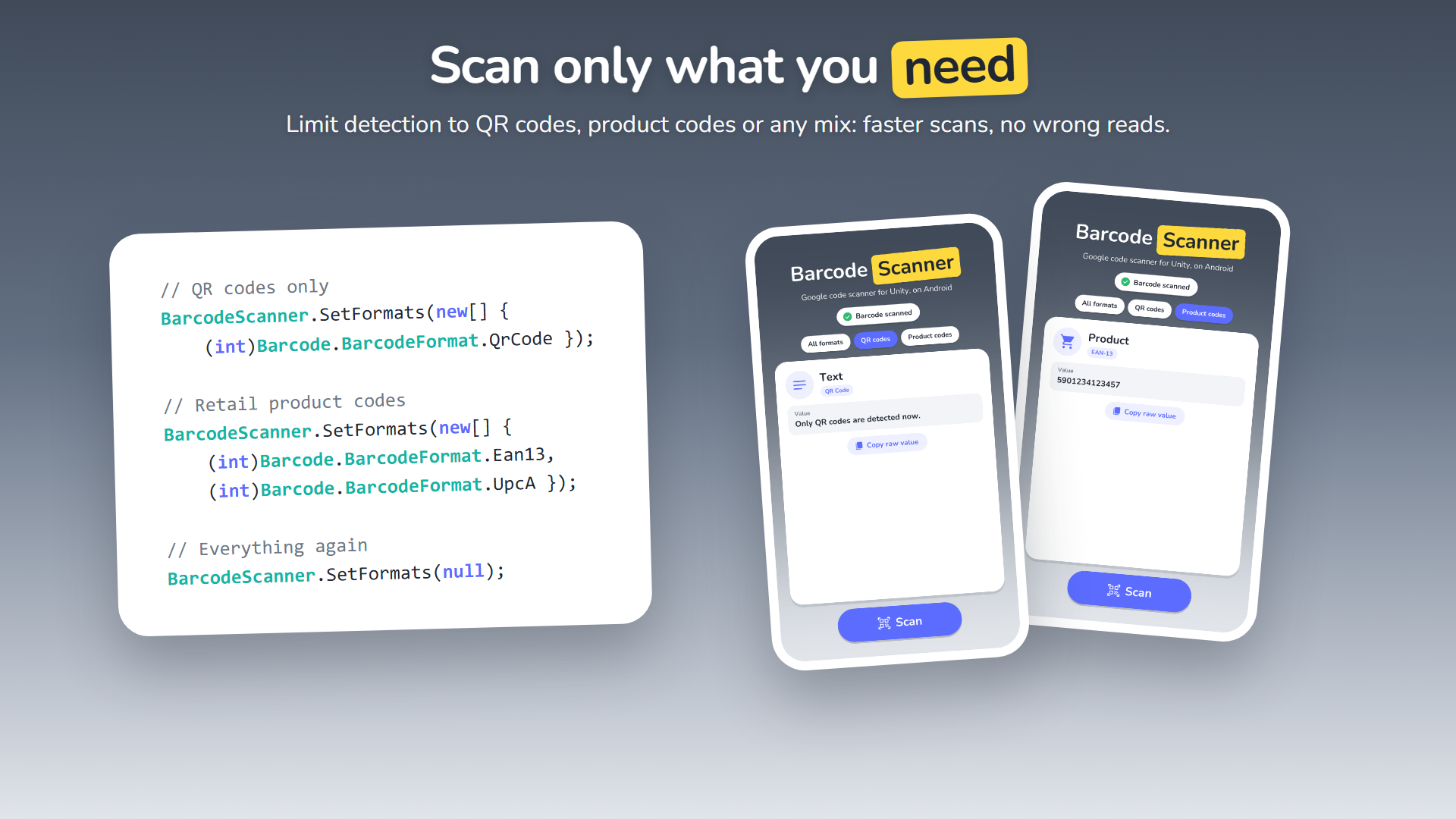
- Filter formats with
SetFormats, for example QR codes only or retail product codes - No camera permission: the scanner screen belongs to Google Play services and decodes on the device
- The scanner module download is handled for you, with events when it is ready;
Initialize()prepares it early
PARSED CONTENT
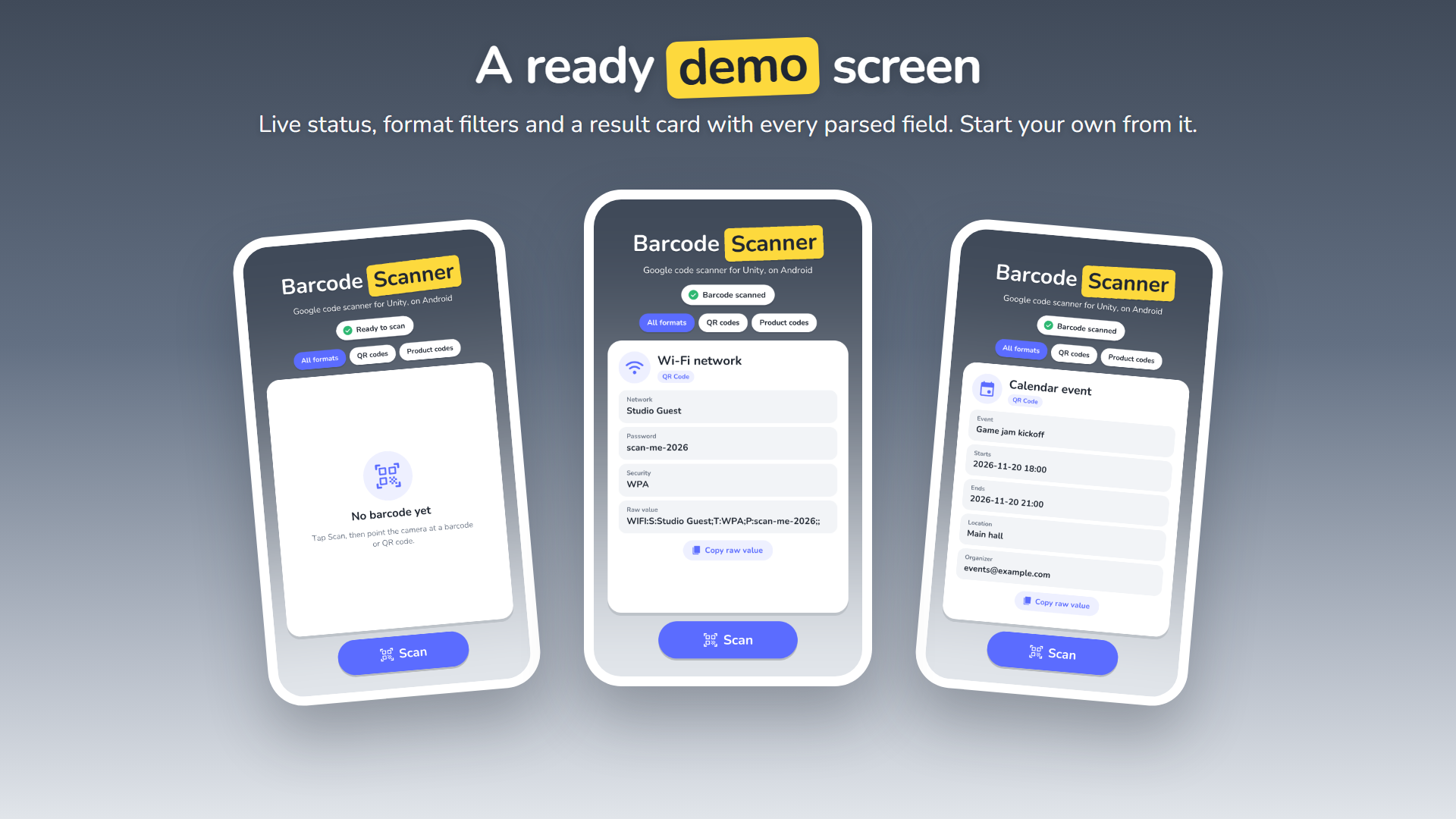
- Wi-Fi: network name, password and security
- Contacts: name, organization, job title, phones, emails, addresses and websites
- Links, calendar events, email, SMS, phone numbers, locations and AAMVA driver licenses
- Raw and display values for every barcode, including product codes, ISBNs and plain text
BUILT FOR RELEASE
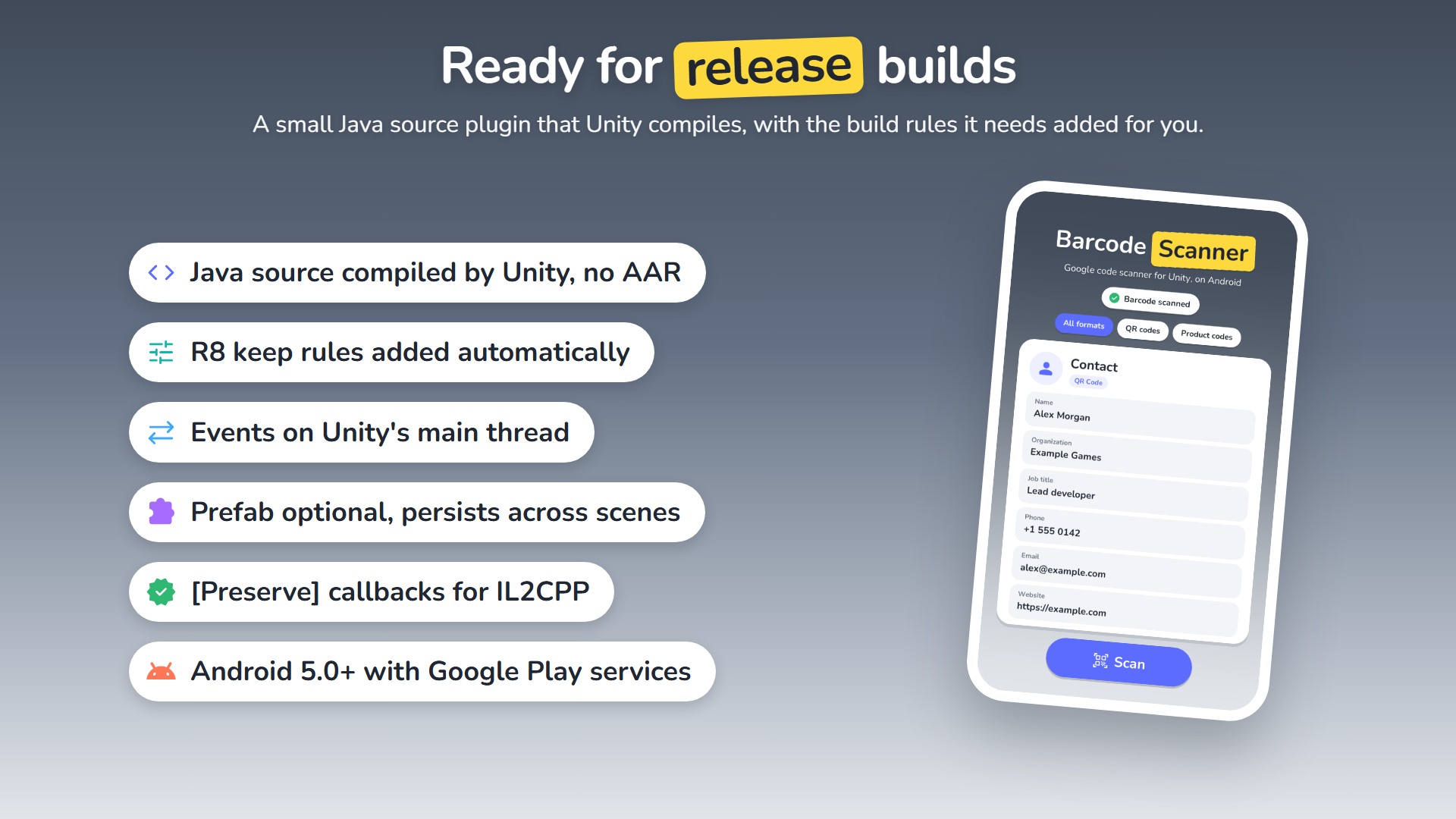
- Events raised on Unity’s main thread: update UI and game state directly in your handlers
- One persistent service; the prefab is optional
- A small Java source plugin that Unity compiles; no Android library to build
- R8 keep rules added to release builds automatically; callbacks preserved for IL2CPP stripping
- Scanned content is never logged
- Clear error codes, and every call is safe on unsupported platforms
DEMO
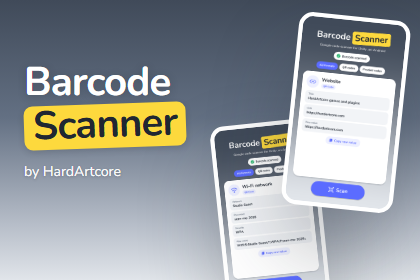
- A complete scanner screen: live status, format filters and a result card with every parsed field
- Copy the raw value to the clipboard
- Built with uGUI and the Nunito font, no TextMesh Pro needed
REQUIREMENTS
- Unity 6 (6000.0) or newer, Android Build Support
- Android 5.0 (API 21) or newer with Google Play services
- Unity’s External Dependency Manager package (com.unity.external-dependency-manager, Unity Registry) to resolve Google’s libraries
THIRD-PARTY
The demo includes the Nunito font (SIL Open Font License 1.1) and Material Symbols icons (Apache License 2.0). Google Play services libraries are not included; the External Dependency Manager downloads them under Google’s terms. See the documentation.
If you have any questions, requests or something isn’t working, please send me an email at: support@hardartcore.com
Release notes
- v2.0
- Java source plugin instead of the separate AAR (delete
scanner-release.aarwhen upgrading) - Events on Unity’s main thread, module download completion,
Initialize(),IsReady,IsScanningand error constants - Fixed Code 128 and Code 39 values, added Code 93
- R8 rules for release builds, updated Google libraries, a new demo screen
- Requires Unity 6
- Java source plugin instead of the separate AAR (delete
- v1.0
- First release.